

Pre-request Scripts
Run a small JavaScript snippet before a request is sent. Pre-request scripts are useful for setting environment variables dynamically - for example, generating a timestamp, computing a signature, or reading a value that changes between requests.
Where to Write Scripts
Open a saved request and click the Pre-request tab in the request form. A dot appears on the tab label when a script is present.
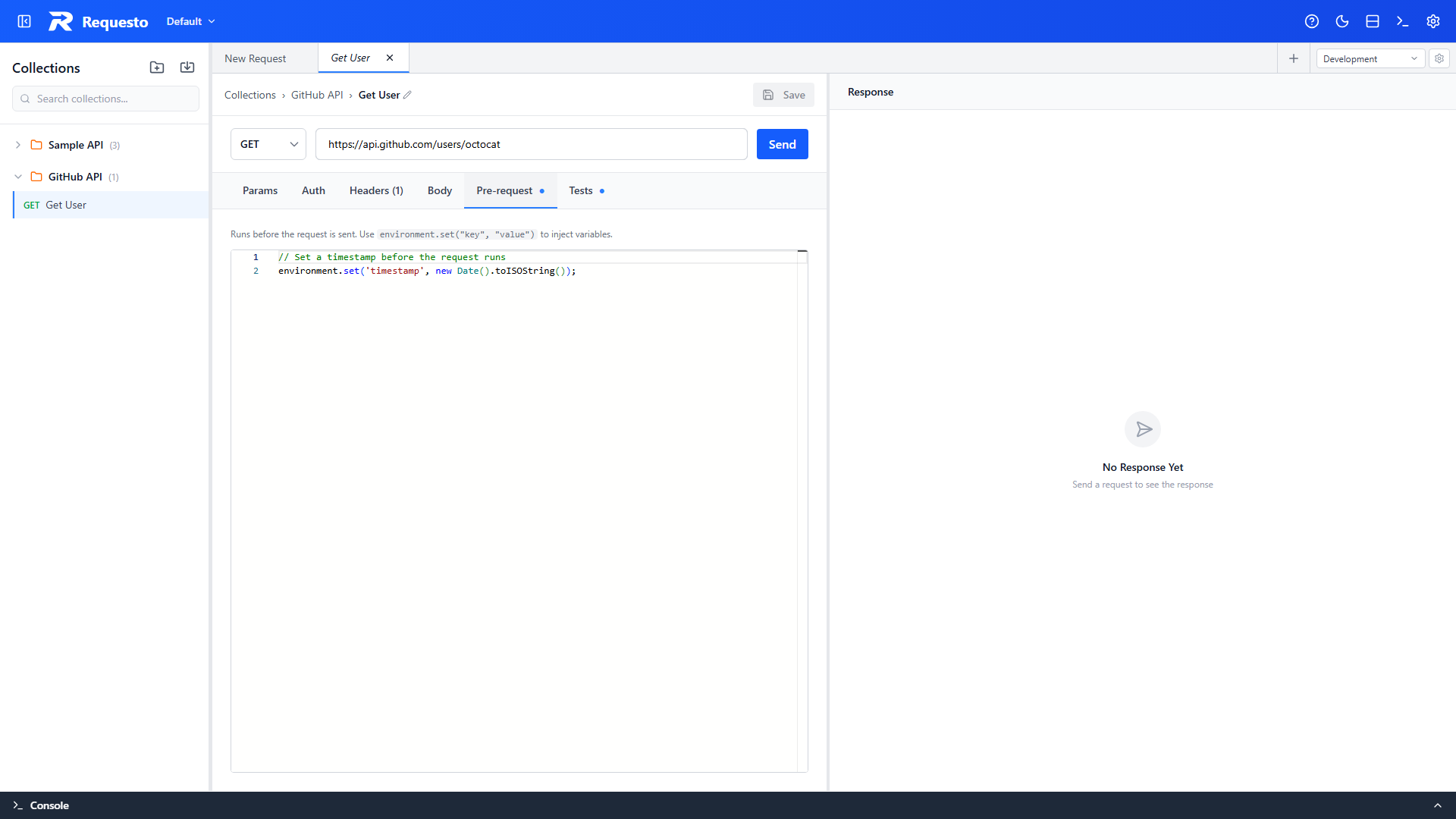
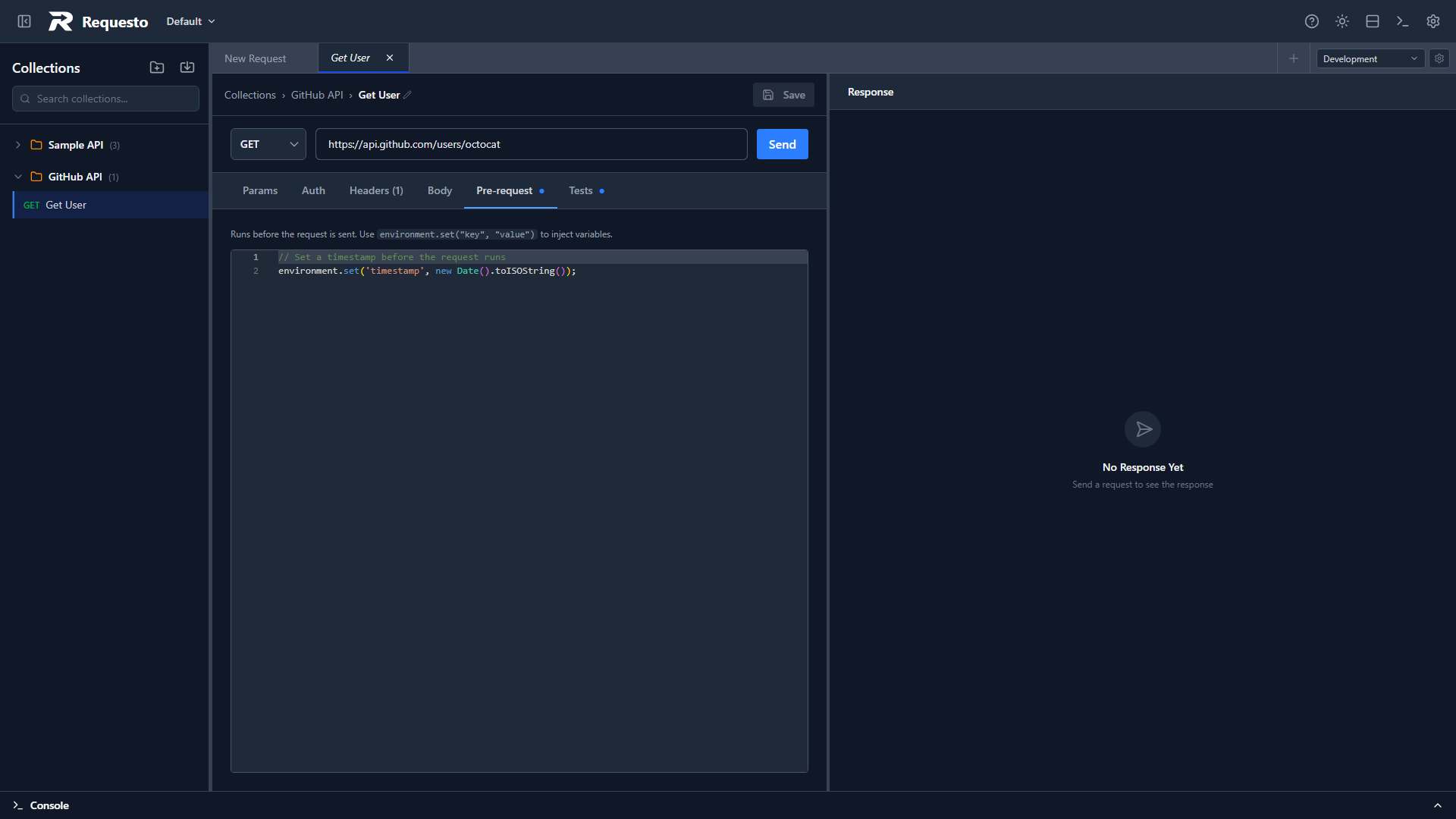
The editor provides autocompletion for all available globals.
Available Globals
environment
Read and write variables in the active environment.
| Method | Description |
|---|---|
environment.get(key) | Returns the current value of key, or an empty string if the variable does not exist |
environment.set(key, value) | Sets the current value of key in the active environment |
environment.set() writes to the variable's current value, which is a local override stored separately from the committed environment files under .requesto/environments/. This means scripts never cause unintended git changes. See Environments: Initial Value and Current Value for details.
The type of the value is inherited too: environment.set('count', 42) marks count as a Number and environment.set('flag', true) as a Boolean, so they are sent unquoted in JSON bodies and GraphQL variables. See Variable Types and JSON Bodies.
request
Read-only view of the outgoing request.
| Property | Type | Description |
|---|---|---|
request.method | string | HTTP method, e.g. "GET" |
request.url | string | Full URL before variable substitution |
request.headers | Record<string, string> | undefined | Request headers |
request.body | string | undefined | Raw request body |
Example
// Set a timestamp for use in a signed request
environment.set('timestamp', new Date().toISOString());

// Compute a derived value from an existing variable
const baseToken = environment.get('apiToken');
environment.set('authHeader', 'Bearer ' + baseToken);
After the script runs, any variables set with environment.set() are applied before variable substitution happens. This means you can set {{timestamp}} in a header and the pre-request script will supply its value.
Execution Order
- Pre-request script runs
- Environment variables are updated with any overrides from the script
- Variable substitution replaces
{{placeholders}}in the URL, headers, and body - The request is sent
Limitations
- Scripts time out after 5 seconds
- No network access (
fetchandXMLHttpRequestare not available) - No
requireorimport- scripts run in an isolated sandbox - No
async/await- scripts must be synchronous - Only enabled variables in the active environment are visible to
environment.get() - If the script throws an error, the request is still sent (without the script's overrides) after the error is shown