

Pre-request Scripts
Run a small JavaScript snippet before a request is sent. Pre-request scripts are useful for setting environment variables dynamically - for example, generating a timestamp, computing a signature, or reading a value that changes between requests.
Where to Write Scripts
Open a saved request and click the Pre-request tab in the request form. A dot appears on the tab label when a script is present.
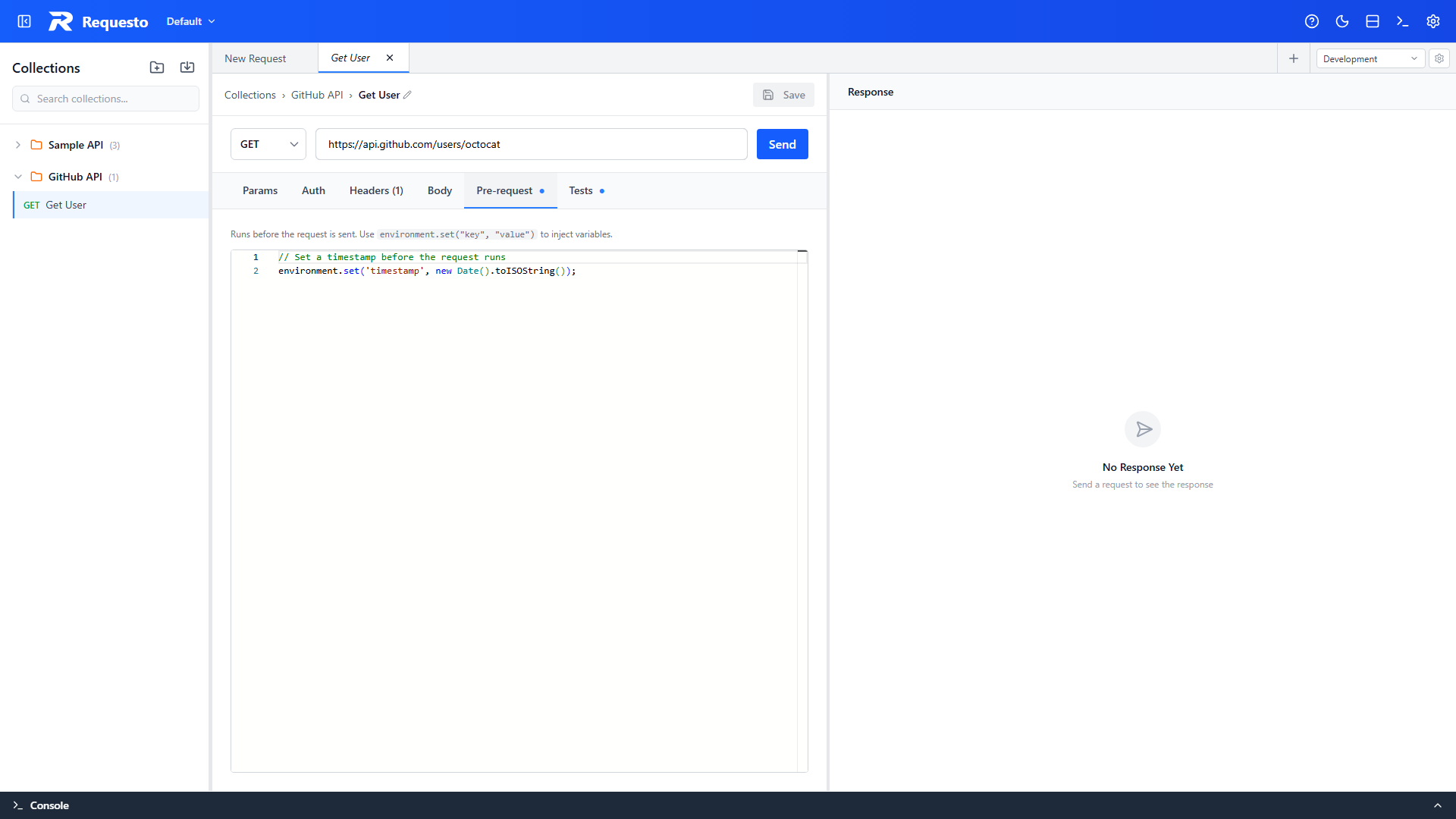
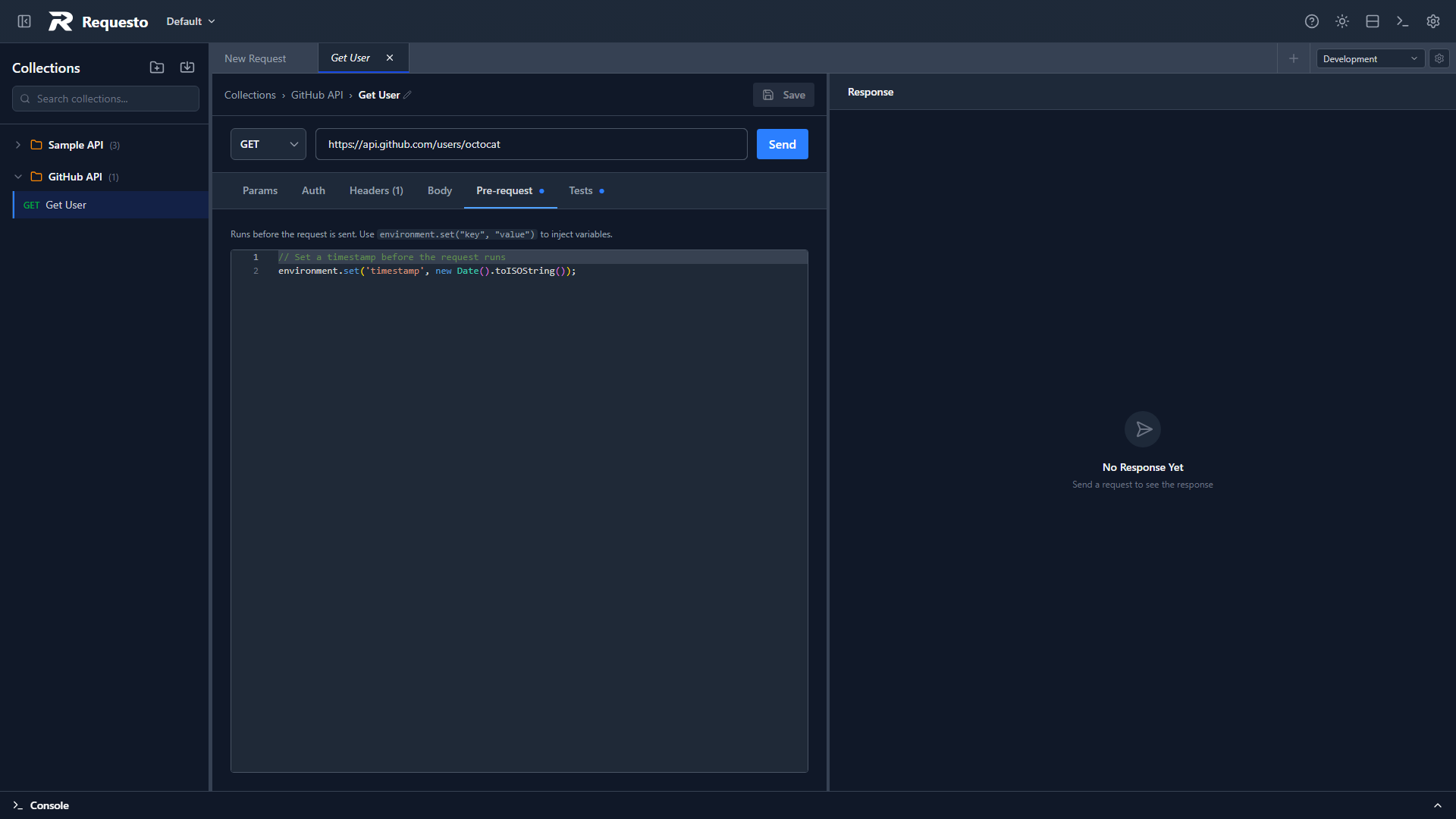
The editor provides autocompletion for all available globals.
Available Globals
environment
Read and write variables in the active environment.
| Method | Description |
|---|---|
environment.get(key) | Returns the current value of key - as a Number or Boolean when the variable has that type (falling back to the string when the value cannot represent it) - or an empty string if the variable does not exist |
environment.set(key, value) | Sets the current value of key in the active environment |
environment.has(key) | Returns whether key exists in the active environment |
environment.clear(key) | Removes the current value of key; without a key, clears every visible variable in the active environment |
environment.set() writes to the variable's current value, which is a local override stored separately from the committed environment files under .requesto/environments/. This means scripts never cause unintended git changes. See Environments: Initial Value and Current Value for details.
The type of the value is inherited too: environment.set('count', 42) marks count as a Number and environment.set('flag', true) as a Boolean, so they are sent unquoted in JSON bodies and GraphQL variables. A string stays a String even when it looks numeric - environment.set('appId', json.data.application.id) where the API returns "1001" keeps appId a String, so GraphQL ID variables are not accidentally sent as numbers. See Variable Types and JSON Bodies.
environment.clear() removes the current value only, so the committed initial value applies again on the next send.
collection
Read and write the variables of the request's collection. The methods mirror environment exactly.
| Method | Description |
|---|---|
collection.get(key) | Returns the current value of key - typed like environment.get - or an empty string if the variable does not exist |
collection.set(key, value) | Sets the current value of key in the collection's variables |
collection.has(key) | Returns whether key exists in the collection's variables |
collection.clear(key) | Removes the current value of key; without a key, clears every visible collection variable |
collection.set() also writes to the variable's current value, stored in the gitignored collection sidecar so scripts never cause unintended git changes. An environment variable with the same key still wins: a script-set collection value only applies when the active environment does not define that key.
In the collection runner, each collection only sees its own variables.
request
Read-only view of the outgoing request.
| Property | Type | Description |
|---|---|---|
request.method | string | HTTP method, e.g. "GET" |
request.url | string | Full URL before variable substitution |
request.headers | Record<string, string> | undefined | Request headers |
request.body | string | undefined | Raw request body |
Example
// Set a timestamp for use in a signed request
environment.set('timestamp', new Date().toISOString());

// Compute a derived value from an existing variable
const baseToken = environment.get('apiToken');
environment.set('authHeader', 'Bearer ' + baseToken);

// Collection variables: shared per collection, lower precedence than the environment
if (!collection.has('baseUrl')) {
  collection.set('baseUrl', 'https://api.example.com');
}

// Clear a stale script-set value so the committed initial value applies again
environment.clear('authToken');
collection.clear('lastRunAt');
After the script runs, any variables set with environment.set() or collection.set() are applied before variable substitution happens. This means you can set {{timestamp}} in a header and the pre-request script will supply its value. More pre-request and test examples, including extracting values from responses, are on the Tests page.
Execution Order
- Pre-request script runs
- Environment and collection variables are updated with any overrides from the script
- Variable substitution replaces
{{placeholders}}in the URL, headers, and body (environment variables win over collection variables) - The request is sent
Limitations
- Scripts time out after 5 seconds
- No network access (
fetchandXMLHttpRequestare not available) - No
requireorimport- scripts run in an isolated sandbox - No
async/await- scripts must be synchronous - Only enabled variables in the active environment are visible to
environment.get() - If the script throws an error, the request is still sent (without the script's overrides) after the error is shown