

Tests
Write assertions that run after a response is received. Test scripts let you validate that an API is behaving correctly - checking status codes, response shape, headers, or timing - without leaving the request editor.
Where to Write Tests
Open a saved request and click the Tests tab in the request form. A dot appears on the tab label when a script is present.
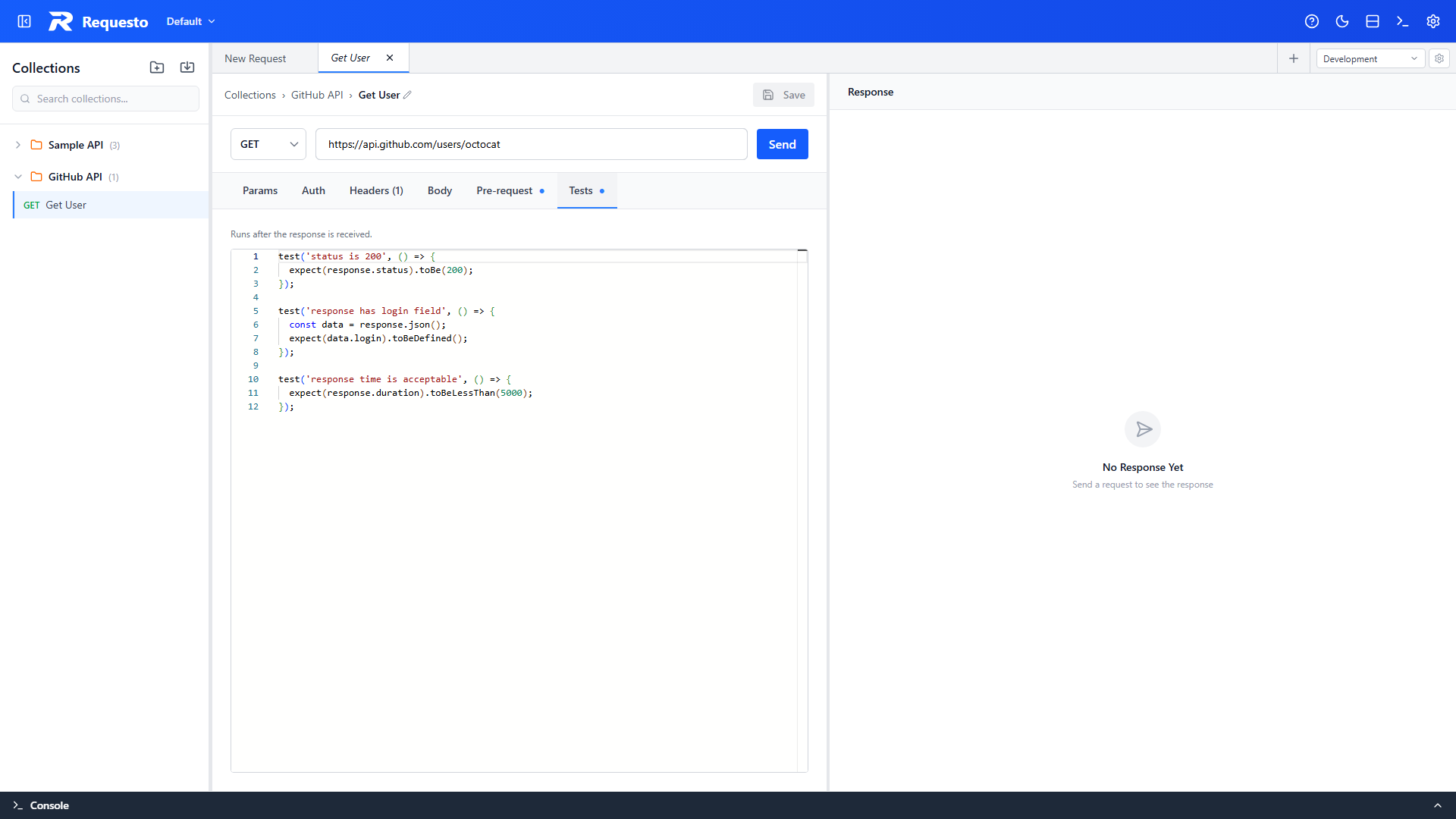
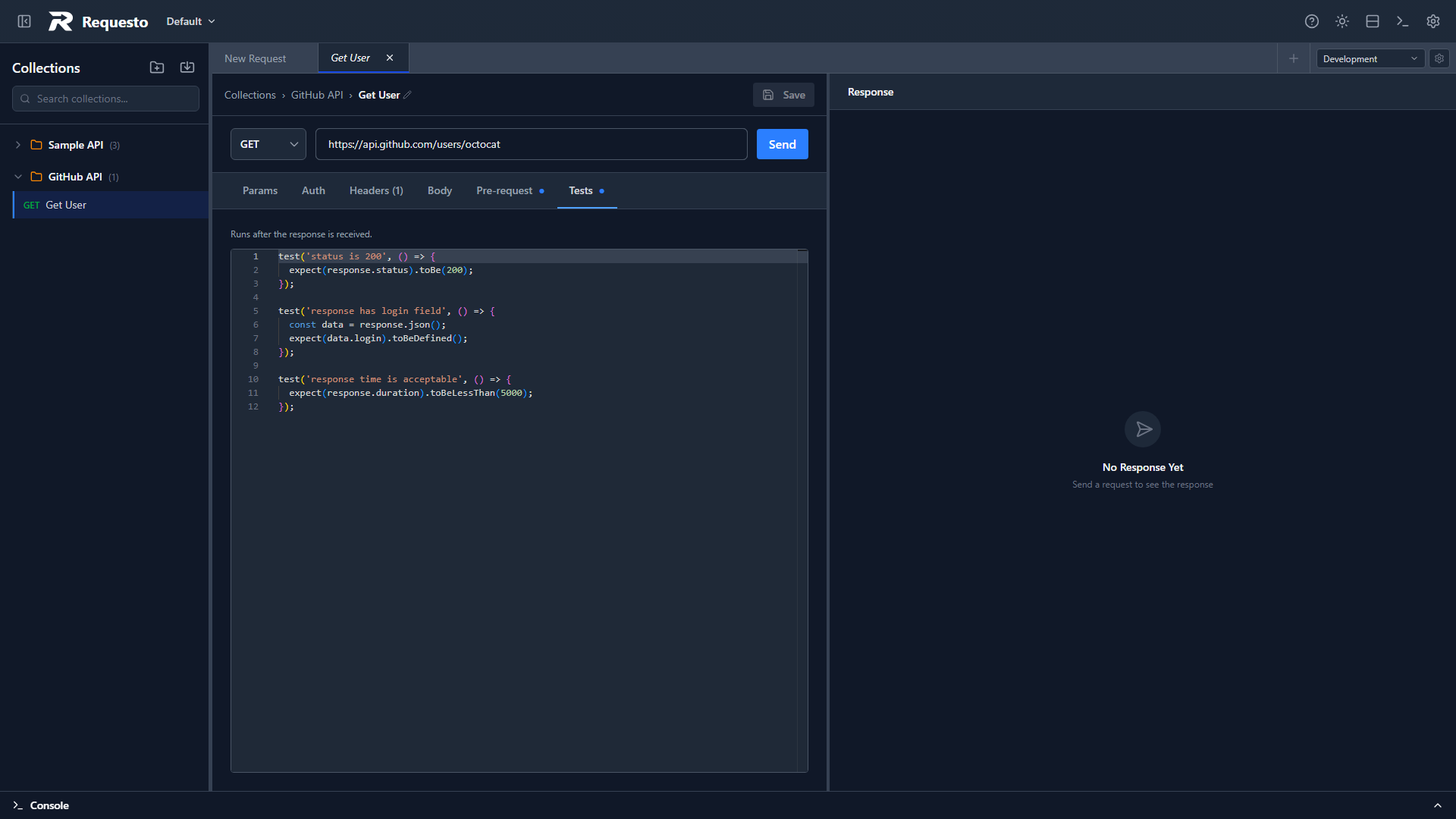
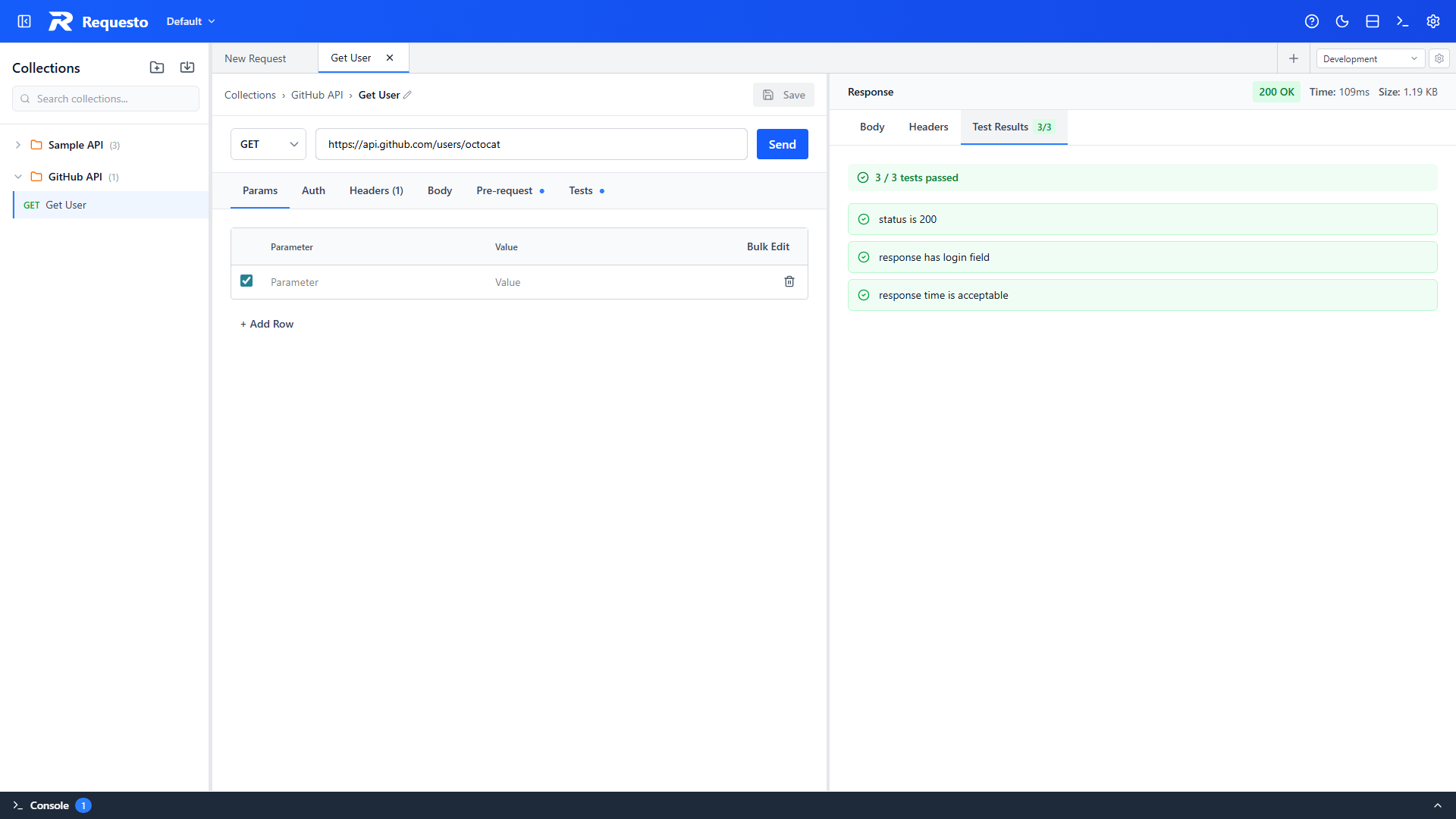
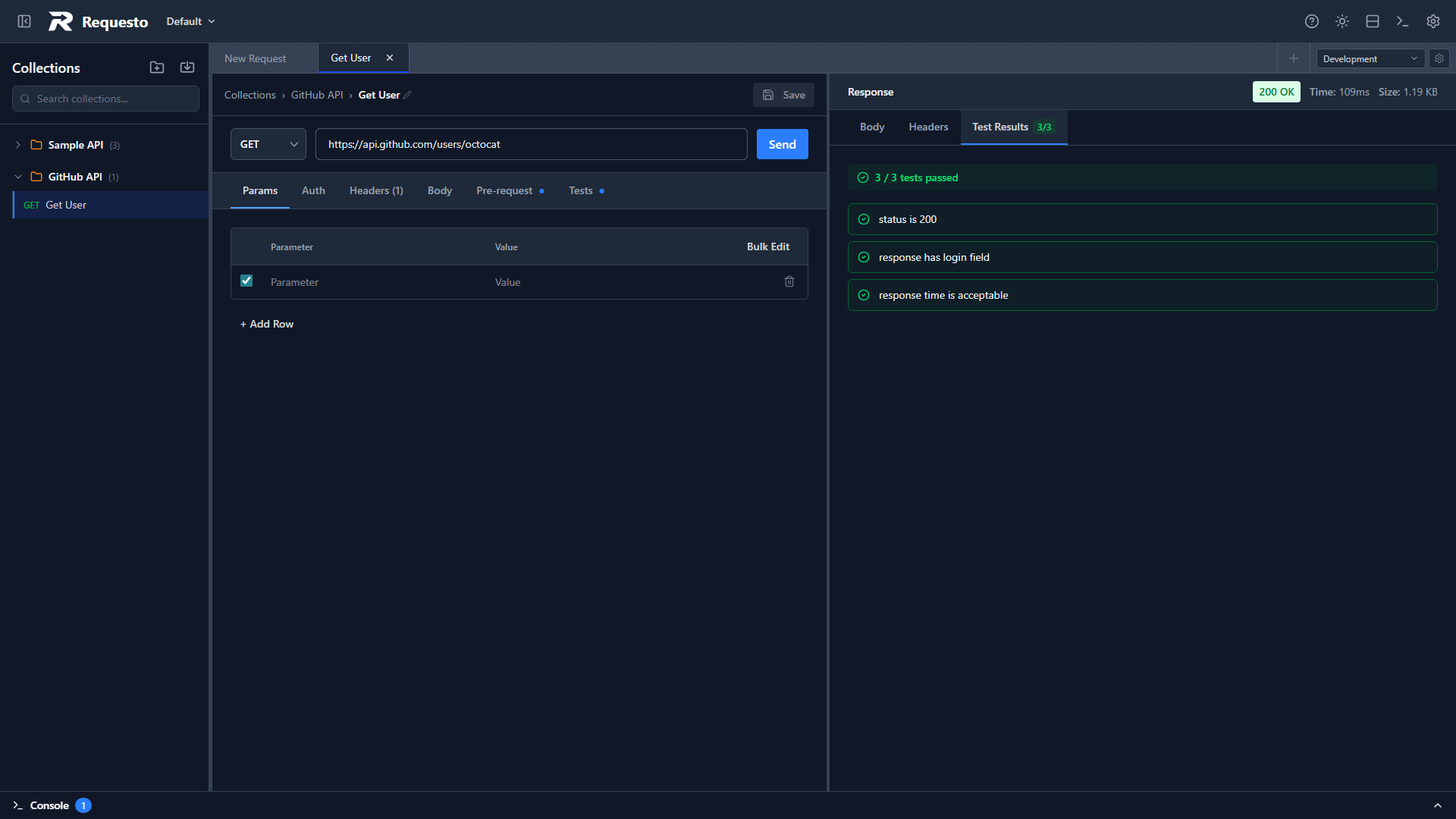
Test results appear in the Test Results tab of the response panel after you send the request.
Writing Tests
Use the test() function to define a named test. Each test contains one or more assertions using expect().
test('status is 200', () => {
  expect(response.status).toBe(200);
});

test('response has an id field', () => {
  const data = response.json();
  expect(data.id).toBeDefined();
});
All tests in the script are run. A test passes if it throws no errors; it fails if an assertion throws.
More examples — status checks, body inspection, timing, and saving values for later requests — are in the Examples section below, after the API reference.
test(name, fn)
| Parameter | Type | Description |
|---|---|---|
name | string | Label shown in test results |
fn | () => void | Function containing assertions; any thrown error marks the test as failed |
expect(actual) Matchers
| Matcher | Description |
|---|---|
.toBe(expected) | Strict equality using Object.is |
.toEqual(expected) | Deep equality (compares JSON structure) |
.toBeTruthy() | Passes if the value is truthy |
.toBeFalsy() | Passes if the value is falsy |
.toContain(item) | Passes if an array contains the item, or a string contains the substring |
.toHaveLength(n) | Passes if .length equals n |
.toBeGreaterThan(n) | Passes if the value is greater than n |
.toBeLessThan(n) | Passes if the value is less than n |
.toBeGreaterThanOrEqual(n) | Passes if the value is greater than or equal to n |
.toBeLessThanOrEqual(n) | Passes if the value is less than or equal to n |
.toMatch(pattern) | Passes if the string matches a substring or RegExp |
.toBeNull() | Passes if the value is null |
.toBeUndefined() | Passes if the value is undefined |
.toBeDefined() | Passes if the value is not undefined |
.not | Negates the following matcher, e.g. expect(x).not.toBe(null) |
Available Globals
response
| Property | Type | Description |
|---|---|---|
response.status | number | HTTP status code, e.g. 200 |
response.statusText | string | Status text, e.g. "OK" |
response.headers | Record<string, string> | Response headers |
response.body | string | Raw response body |
response.duration | number | Time taken in milliseconds |
response.json() | unknown | Parses response.body as JSON; throws if the body is not valid JSON |
request
Read-only view of the request that was sent. The same properties as in pre-request scripts, plus parsed params and form.
| Property | Type | Description |
|---|---|---|
request.method | string | HTTP method that was sent |
request.url | string | URL that was sent (after variable substitution) |
request.headers | Record<string, string> | undefined | Headers that were sent |
request.body | string | undefined | Body that was sent |
request.params | Record<string, string> | Query parameters parsed from the URL |
request.form | Record<string, string> | Form fields for form-data / x-www-form-urlencoded bodies; file entries map to their file name |
environment
Read and write variables in the active environment. The same API as in pre-request scripts.
| Method | Description |
|---|---|
environment.get(key) | Returns the current value of key, or an empty string |
environment.set(key, value) | Sets the current value of key |
environment.set() in a test script writes to the variable's current value, so you can pass a value extracted from a response (like a token or ID) to later requests. The value's type is inherited as well - environment.set('count', 42) marks count as a Number so it is sent unquoted in JSON bodies. See Variable Types and JSON Bodies.
Examples
// Check status
test('status is 201', () => {
  expect(response.status).toBe(201);
});

// Parse and inspect the response body
test('user has expected fields', () => {
  const user = response.json();
  expect(user.name).toBeDefined();
  expect(user.email).toContain('@');
});

// Assert response time
test('response is fast', () => {
  expect(response.duration).toBeLessThan(2000);
});

// Save a value for subsequent requests
test('extract token', () => {
  const data = response.json();
  environment.set('authToken', data.token);
});

// Assert a value sent with the request comes back in the response
test('echoes the sent value', () => {
  const data = response.json();
  expect(data.name).toBe(request.form.name);
});

// Assert a value from the JSON request body comes back in the response
test('echoes the sent JSON body value', () => {
  const sent = JSON.parse(request.body);
  expect(response.json().name).toBe(sent.name);
});

// Check the request was built as expected
test('sends the expected query parameter', () => {
  expect(request.params.version).toBe('v2');
});
Limitations
- Scripts time out after 5 seconds
- No network access (
fetchandXMLHttpRequestare not available) - No
requireorimport- scripts run in an isolated sandbox - No
async/await- scripts must be synchronous - Tests do not run for streaming (SSE) responses