

Collection Runner
Run all requests in a collection or folder in sequence. The runner executes each request one at a time, applies pre-request scripts, runs test assertions, and reports the result for every request in a single view.
Opening the Runner
Right-click any collection in the sidebar and choose Run Collection. To run only a subset of requests, right-click a folder and choose Run Folder.
To run every collection in the workspace in one go, click the Test button in the sidebar action bar (alongside New Collection and Docs). Requests run in collection order and environment chaining carries across collections.
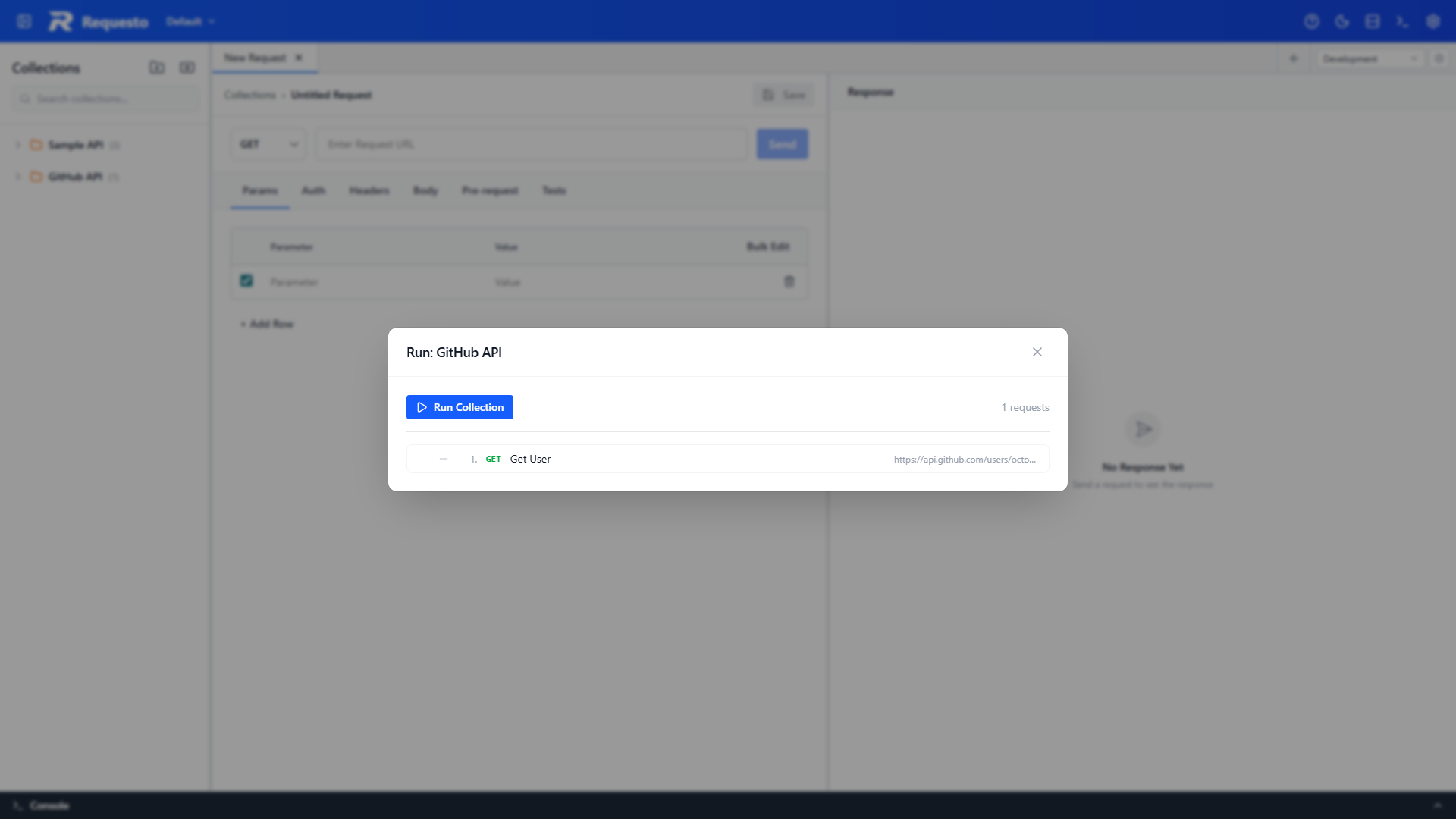
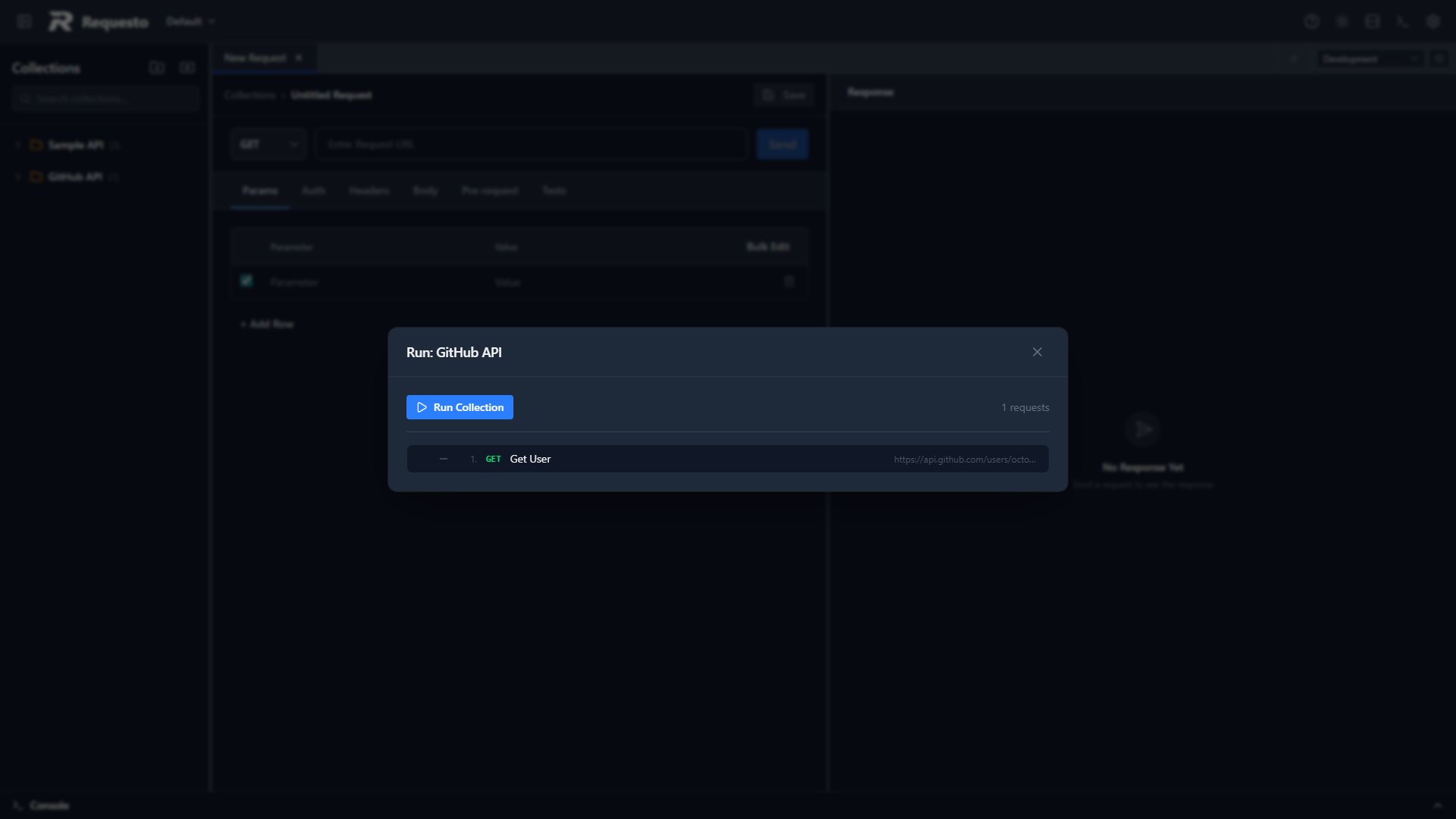
The Runner Dialog
The dialog shows all requests grouped by their folder structure. The toolbar at the top has these controls:
- Run Collection - starts executing requests from the beginning
- Stop - aborts the in-flight request immediately and marks the remaining requests as skipped
- Reset - clears all results and resets every request to pending
A summary count at the top right shows how many requests passed, failed, errored, or gave a warning during the run.
Isolation
Every run executes inside a temporary server-side workspace:
- Before the first request, a scratch workspace is created and activated. It inherits your active workspace's environments and OAuth configurations (including stored client secrets and cached tokens), so requests resolve variables and authenticate exactly as they would outside a run.
- The whole run happens inside it.
- Afterwards, even if the run fails or is stopped, your previous workspace is restored and the scratch workspace is deleted.
Collections, environments and workspaces created or deleted by a run disappear with the scratch workspace. Script-set environment current values chain through the run and are saved to the original active environment after restoration, including when a run is stopped or a request fails. If there is no active environment, script-set environment values are not persisted. Script-set collection values are saved to the collection's sidecar the same way, and each collection only sees its own variables during the run. Current values are local and are not committed to git. The type a script records (from the value passed to environment.set() or collection.set()) is saved alongside the current value, so number/boolean variables keep behaving the same after a restart.
The CLI supports the same behaviour with --isolated <serverUrl> (see CLI Reference); in pipelines you opt in there because the CLI can also target APIs that aren't Requesto servers.
Request Status
Each request row shows one of the following statuses:
| Status | Meaning |
|---|---|
| Pending | Not yet run |
| Running | Currently executing |
| Passed | All tests passed (or no tests defined and nothing suspicious about the response) |
| Warned | No test failed and no test was written, but the response looks suspicious (HTTP 4xx/5xx, or a GraphQL errors envelope) |
| Failed | One or more tests failed |
| Error | The request itself failed (network error, timeout, etc.) |
| Skipped | The run was stopped before this request was reached |
Warnings
A request that fails no tests still gets an amber ⚠ warning when the response itself looks wrong, so "green" always means the run really made sense. Two things trigger a warning:
- HTTP error statuses. A
4xx/5xxresponse warns when the request has zero tests. This is the classic trap: asserting nothing about the status makes any response pass. Once at least one test exists and passes, the request stayspassed. Your test is the contract, so a deliberate contract test on a 500 stays green. - GraphQL
errorsenvelopes. A GraphQL request that answersHTTP 200with{"errors": [...]}also warns, since the HTTP status alone hides partial (or failed) GraphQL execution.
A failing test always wins over a warning: a request with failed tests is failed, never warned. Warnings never affect fail/pass semantics for tests or environment chaining; they are advisory.
In the app this is controlled by Settings → General → Collection Runner → Warn on HTTP errors (on by default). Uncheck it to restore the old behavior where a 4xx/5xx with no failing tests is passed.
In the CLI, --no-warn-http-errors turns the warning tier off and --fail-on-warn (opt-in) makes warnings fail the run (see CLI Reference).
Expanding Request Results
Click a request row to expand it and see the response details. Expanded rows have these tabs:
- Response - status code, headers, body, and duration
- Tests - individual test names and pass/fail status
- Variables (only when the request's scripts changed variables) - every change this request's scripts made, in run order, with the previous value struck through, the scope it applied to (environment or a named collection), whether the pre-request or test phase made it, and secrets masked. Use it to see exactly which script set which value.
Rows with test results, warnings, errors, or variable changes expand automatically as each request finishes.
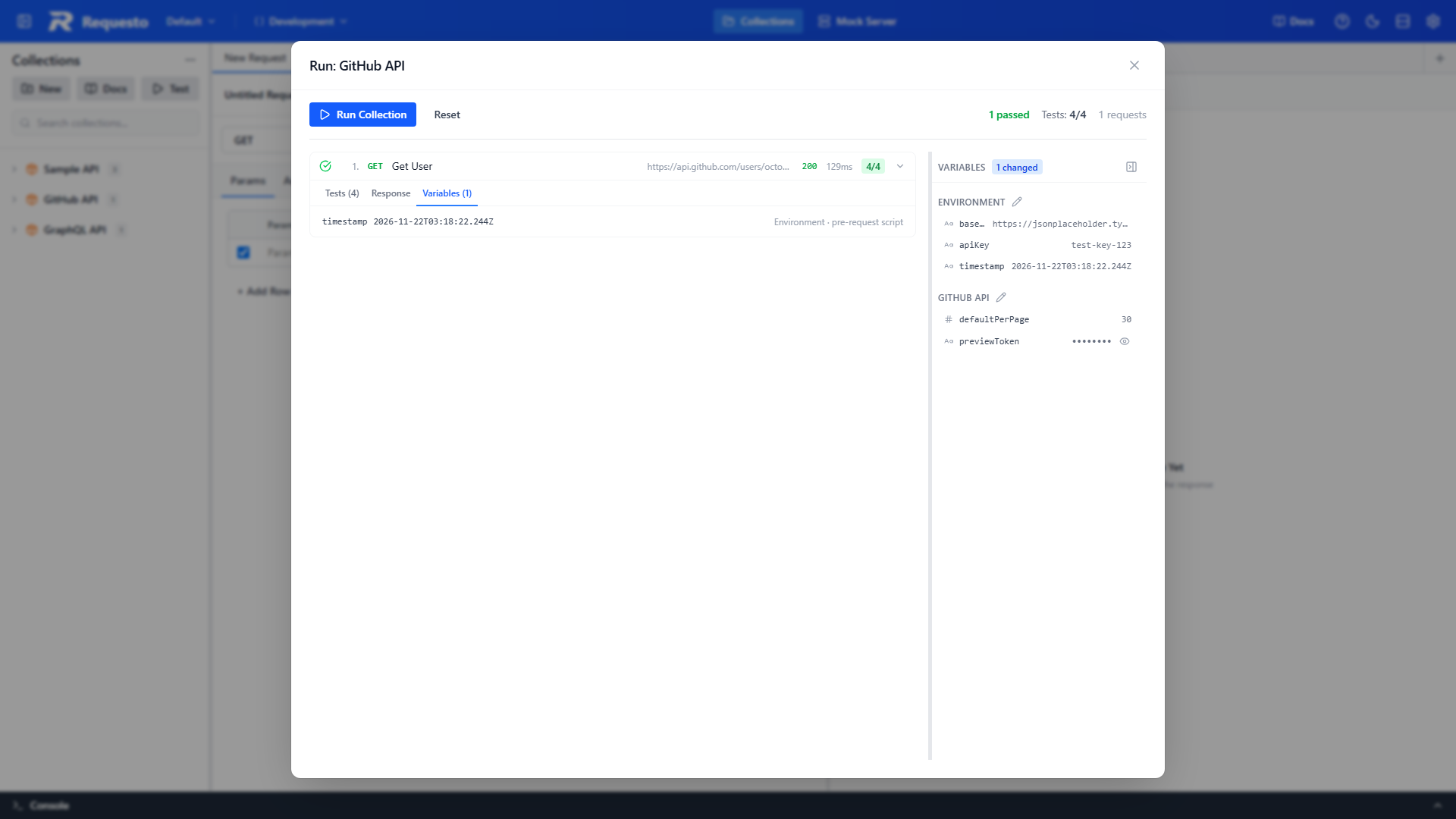
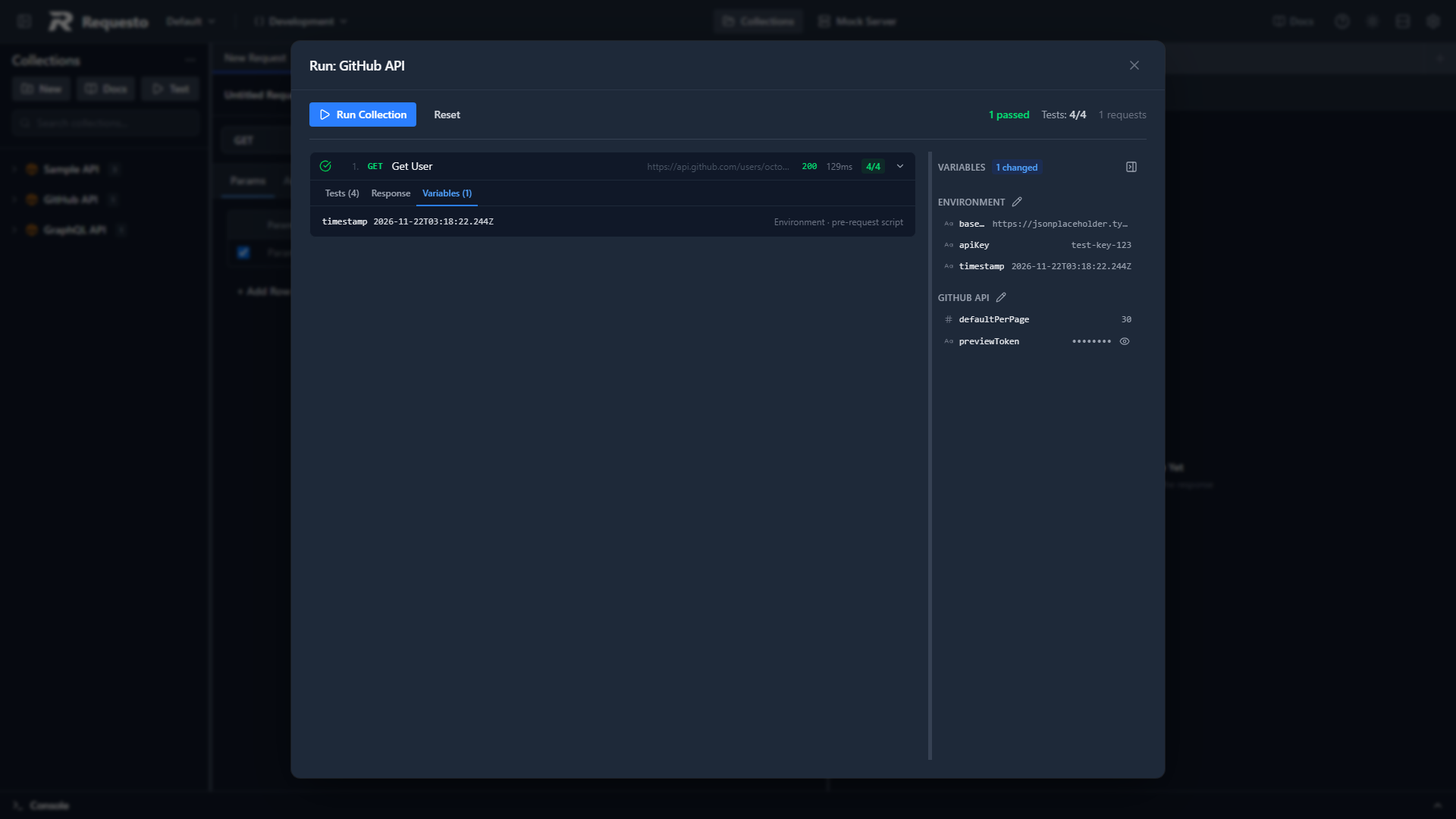
The runner uses the currently active environment for every request. GraphQL requests run as proper GraphQL (the saved query document and variables are sent), and pre-request scripts, test scripts, and environment chaining all apply to them as well.
Scripts and Environment Chaining
Pre-request scripts and test scripts run for every request in the runner, just as they would when sending a request manually.
Environment changes made by one script carry forward to subsequent requests in the same run. If a pre-request script calls environment.set('token', value), that value is available to the next request's URL, headers, and scripts without any manual intervention.
This lets you chain requests: authenticate, capture a token, then use it in follow-up calls.
Collection variables chain the same way: a pre-request script calling collection.set('baseUrl', value) makes the value available to subsequent requests in that collection's run. In the workspace-wide runner (Run: All Collections), each collection only sees its own collection variables.
Variables Rail
A Variables panel sits beside the results while the run is in progress. It shows the live value of every variable the run can see:
- An Environment group with the active environment's variables, shared across the whole run
- One group per included collection with that collection's own keys (keys the environment also defines stay in the environment group)
Values changed by scripts are highlighted, show the pre-run value struck through next to the new value, and carry a tooltip with the full value plus which script and phase set it. Secret values stay masked with a reveal toggle, and typed variables show an icon next to the key (String, Number, or Boolean).
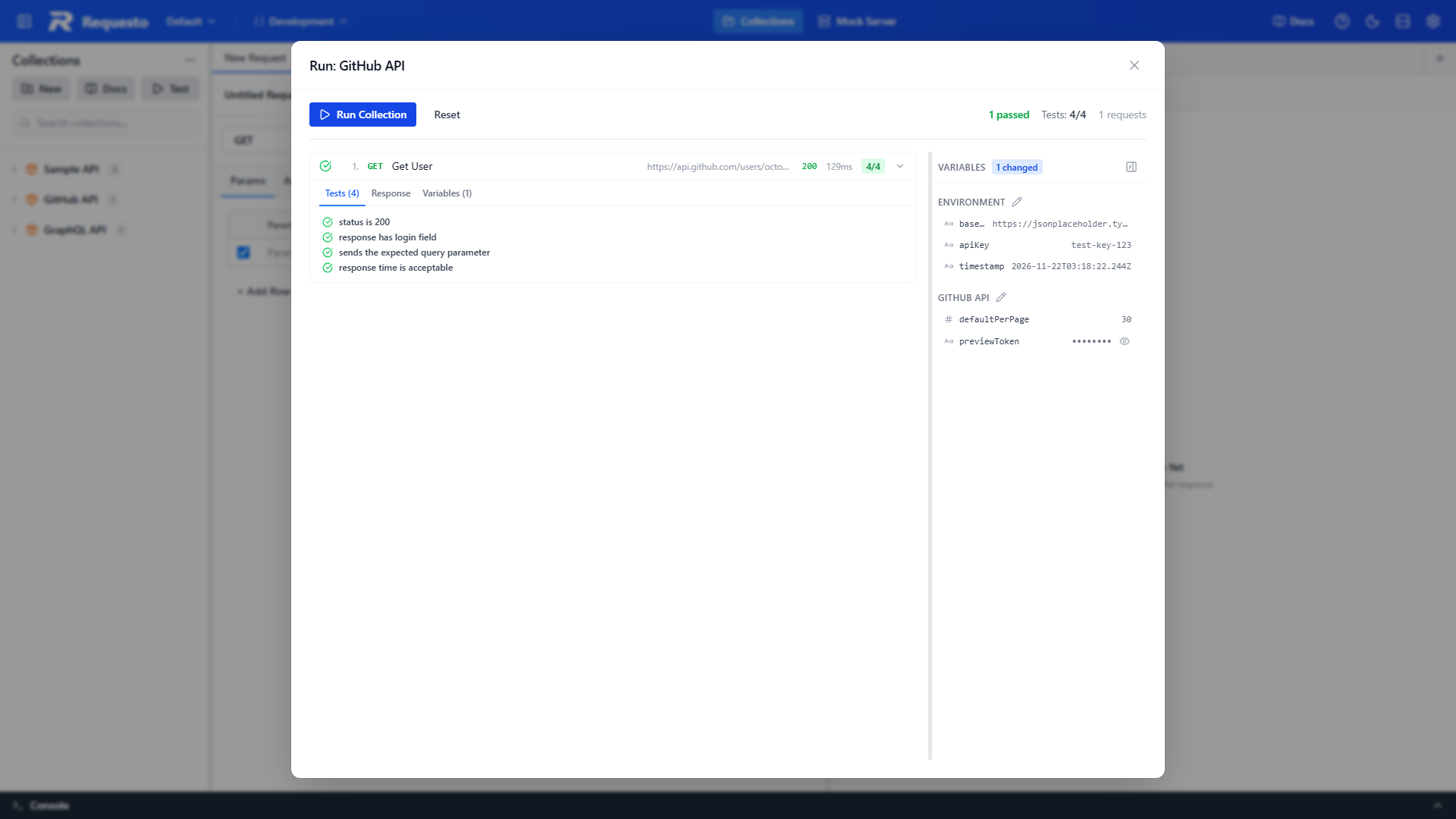
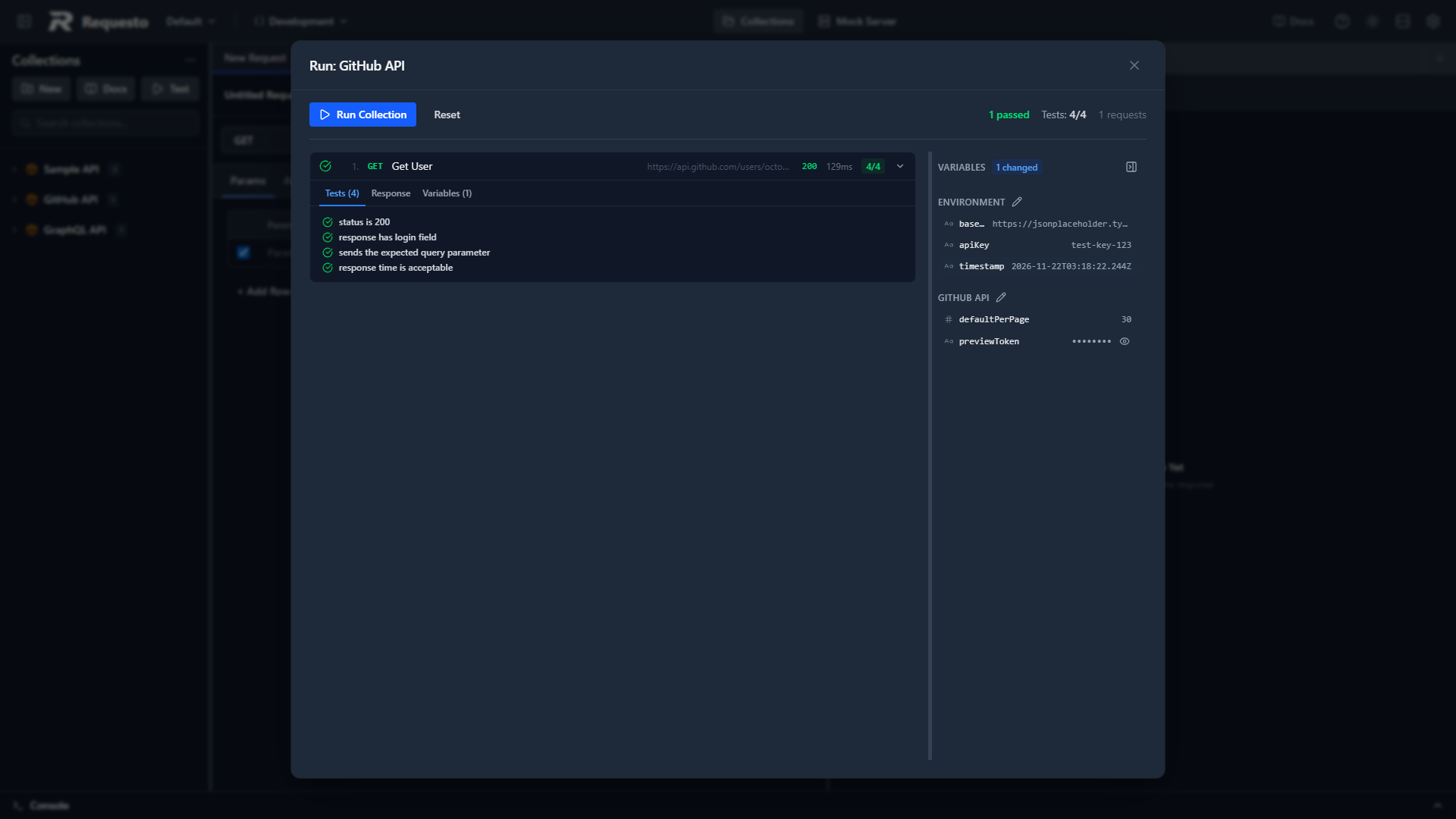
The rail is drag-resizable and can be collapsed to a slim strip that still shows how many variables were changed by scripts so far. Each collection group header has a pencil button that opens that collection's variables editor without closing the runner.
Folder Groups
Requests are displayed under their folder headers. Click a folder header to collapse or expand that group. Collapsing a folder group only hides the display - the requests still run when you click Run.
Skipping Collections
In the workspace-wide runner (Run: All Collections), each collection header has a checkbox. Unchecking a collection removes it from the run: its rows are greyed out, its requests are reported as skipped, and nothing is sent. Useful for leaving out slow or long-running collections (e.g. server-sent events) without moving them. The CLI equivalent is --exclude-collection <name> (see CLI Reference).
Related Features
- Pre-request Scripts - run JavaScript before each request
- Tests - write assertions that validate each response
- Collection Variables - variables shared by every request in a collection