

Dynamic Endpoints
A dynamic endpoint behaves like a small REST API. You provide a list of records, and Requesto handles every route for you. Reads return your records, and writes change them.
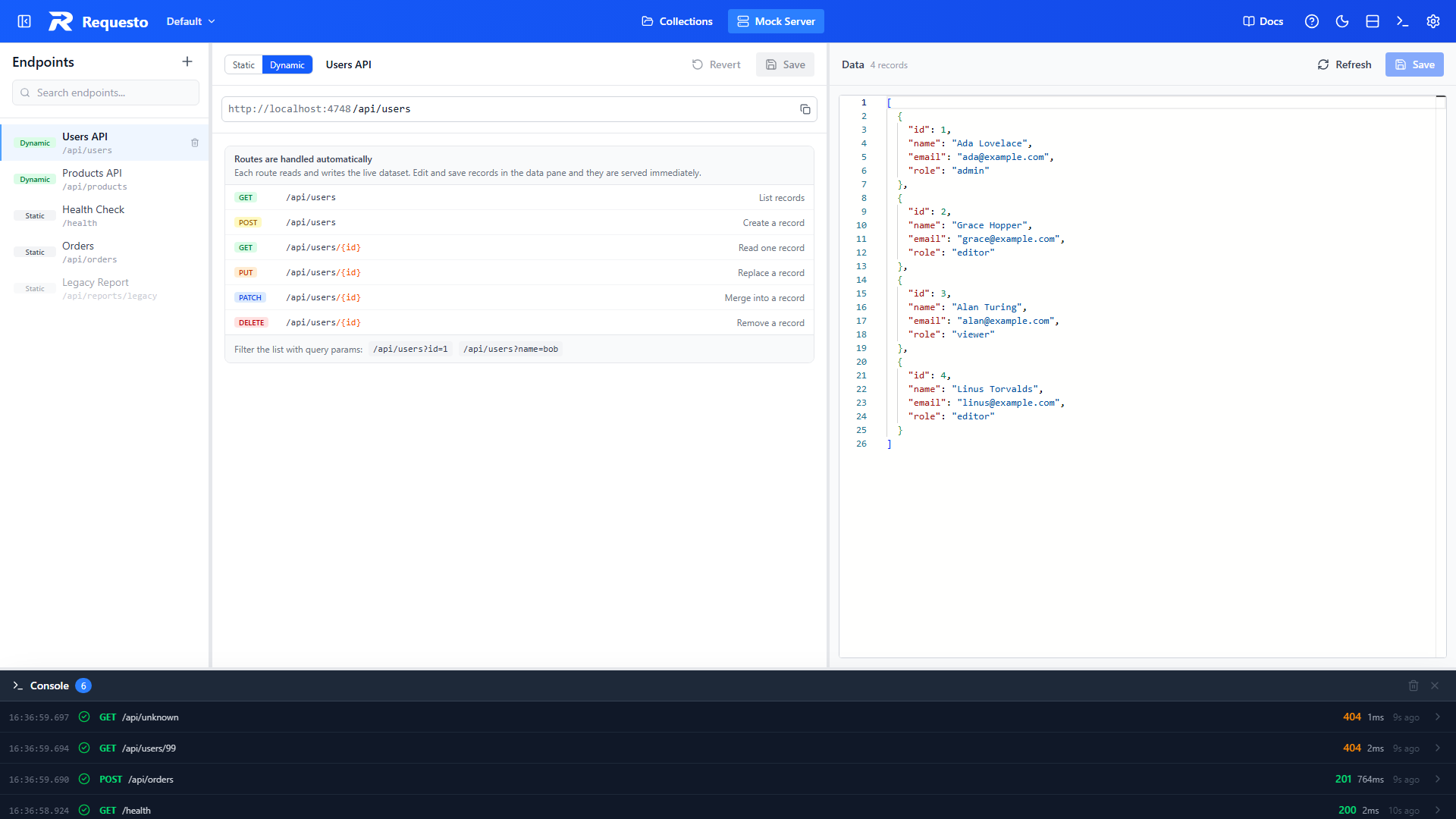
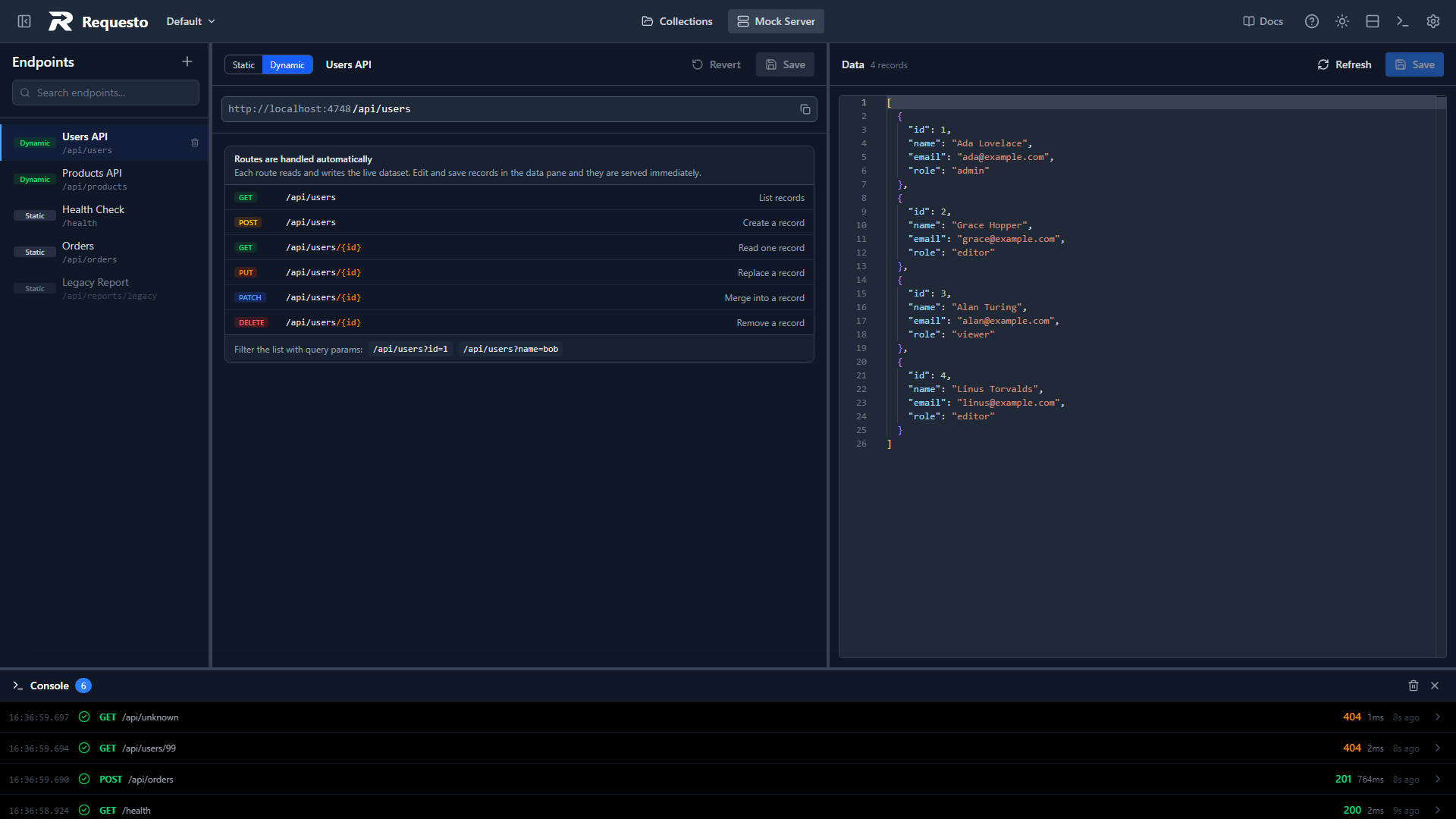
Routes
You only create the base path. The item routes under it come for free, so one /api/users endpoint serves both the list and individual users.
| Method | Route | What it does | Status |
|---|---|---|---|
| GET | /api/users | List all records | 200 |
| POST | /api/users | Create a record | 201 |
| GET | /api/users/{id} | Get one record | 200, or 404 if missing |
| PUT | /api/users/{id} | Replace a record | 200, or 404 if missing |
| PATCH | /api/users/{id} | Merge fields into a record | 200, or 404 if missing |
| DELETE | /api/users/{id} | Remove a record and return it | 200, or 404 if missing |
A few details worth knowing:
- Filtering: add query parameters to the list route to filter it.
/api/users?role=editorreturns only records whereroleiseditor. Several parameters must all match. - Creating: POST needs a JSON object body. If it does not include an
id, one is generated for you. - Ids: the
idin the URL always wins on PUT and PATCH. Ids are compared as text, so1and"1"are treated as the same id. - Wrong routes: PUT, PATCH, and DELETE on the list route (no id) return
405.
For example, creating a user:
curl -X POST http://localhost:4748/api/users \
  -H "Content-Type: application/json" \
-d '{"name": "Katherine Johnson", "role": "admin"}'{
"name": "Katherine Johnson",
"role": "admin",
"id": "5b0e6c6e-7d8f-4f0b-9a57-2f6a1c1f3c11"
}Editing the Data
The right side of the editor shows the dataset as a JSON array. Edit it directly, then click Save (or press Ctrl+S / Cmd+S) and the new records are served immediately.
- The header shows how many records the dataset has and flags unsaved changes.
- Refresh reloads the dataset from the server and discards your edits. Use it to see records added by incoming POST requests.
- Records must be JSON objects. If the JSON is invalid, the editor tells you and Save stays disabled.
- Every record should have an
id. Records without one cannot be read, replaced, merged, or removed by id, and the editor shows a warning. - A dataset can hold up to 1000 records.
Requests change real data
POST, PUT, PATCH, and DELETE requests update the saved dataset. If a test run leaves it in a state you do not want, edit the data and save, or use Clear Data from the endpoint's context menu.