

Collection Variables
Variables that live on a collection itself and are shared by every request in it, including requests inside folders. Use them for values that belong to the collection wherever it is used: a base URL, an API version, a default page size. Unlike environment variables they work even when no environment is selected, so a freshly imported collection resolves out of the box.
Managing Collection Variables
Right-click a collection in the sidebar and choose Variables:
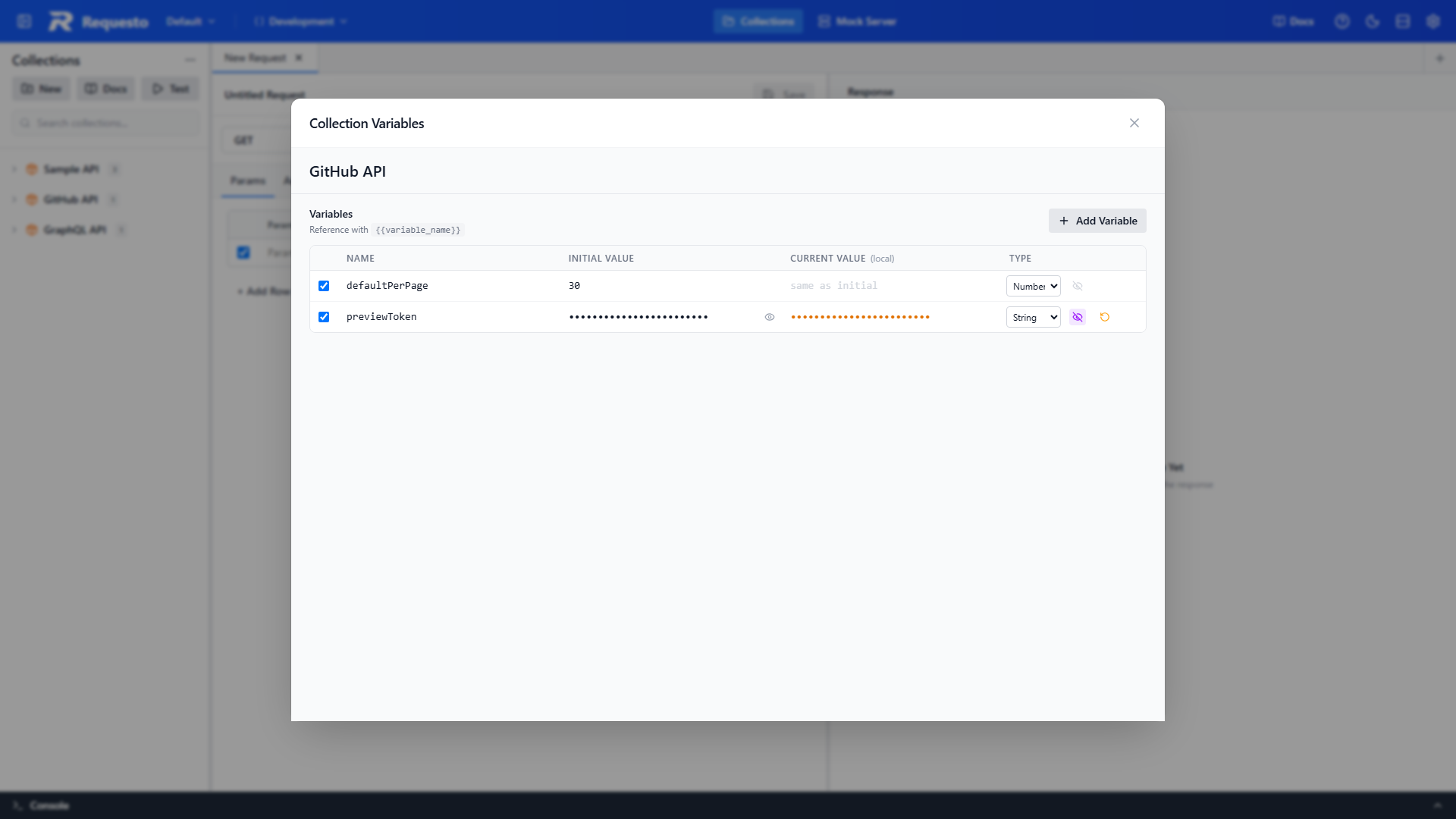
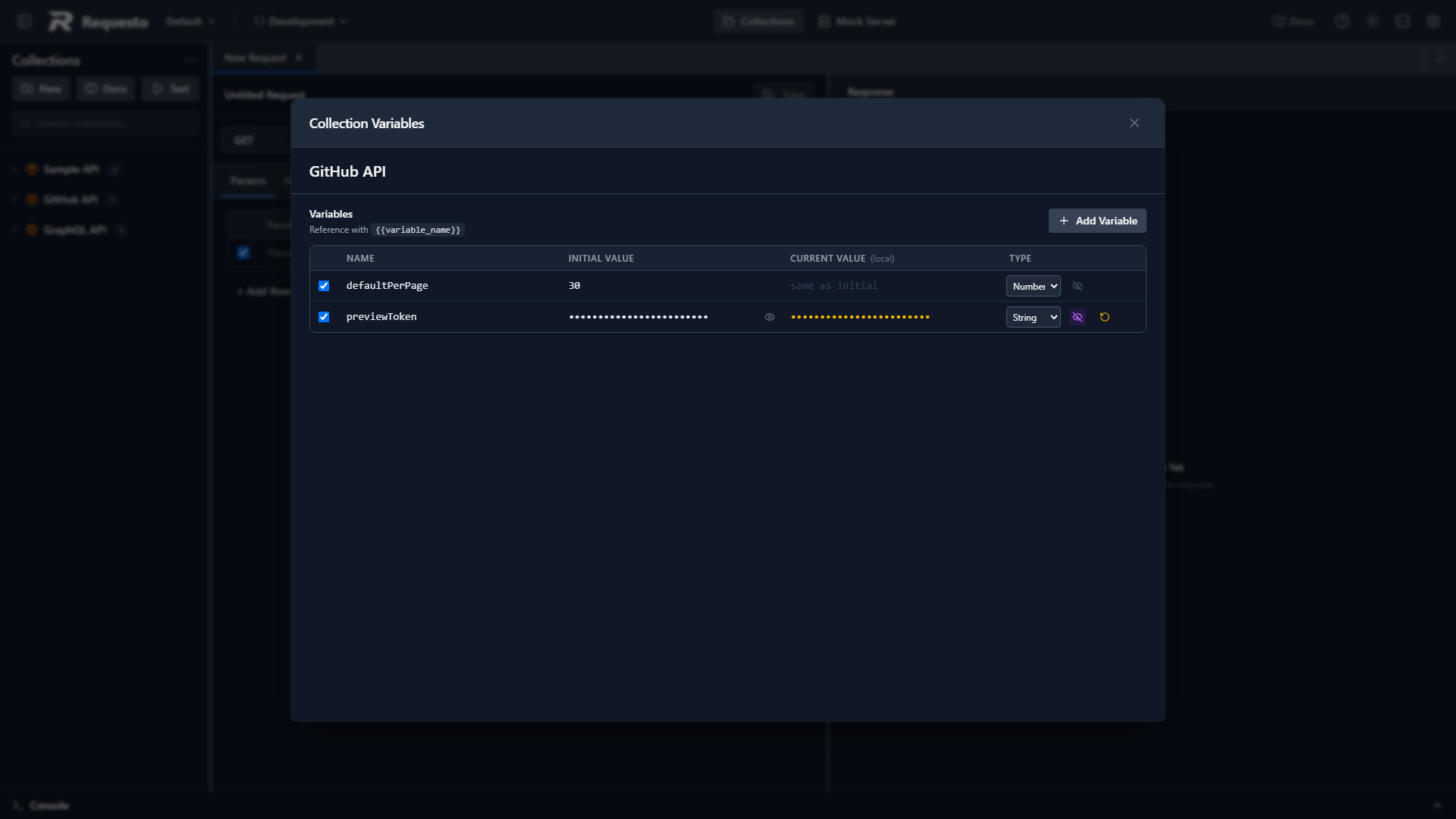
The dialog uses the same variable editor as the environment manager. Each variable has:
| Field | Description |
|---|---|
| Key | The name you reference with {{key}} |
| Value | The initial value. Stored in the collection's JSON file and committed to git |
| Current Value | A local override. Stored in .requesto/local/collections.local.json, which is excluded from git |
| Type | String, Number, or Boolean - same behavior as environment variables (see Variable Types and JSON Bodies) |
| Enabled | Toggle - disabled variables are skipped during substitution |
| Secret | Toggle - masks the value in the UI |
Click Save (or press Ctrl+S) to commit your changes. The per-row reset icon clears a variable's current value so the initial value applies again. Deletions and blanks in the current value column also clean up the stored override, so removed variables do not reappear after an app restart.
Resolution Order
When a request is sent, placeholders resolve with the highest priority first:
- Values set by scripts within their own scope: a script-set environment value beats collection variables, and a script-set collection value beats collection variables but still loses to an environment value of the same key
- Environment: the active environment's current value, falling back to its initial value
- Collection variables: the collection's current value, falling back to its initial value
For example, with base_url defined in both the active environment and the collection, the environment wins. With only the collection defining timeout, the collection supplies the value:
{{base_url}}  environment: https://staging.example.com, collection: https://shop.example.com
              -> https://staging.example.com (environment wins)

{{timeout}}   environment: (not defined), collection: 30
              -> 30 (collection fills the gap)
The rationale: environments are your active dev/staging/prod switch, while collection variables are structural defaults for the collection that fill gaps and still work with no active environment selected.
Folders have no variable list of their own. Requests inside folders resolve the parent collection's variables.
Where Collection Variables Resolve
The same placeholders and substitution points as environment variables: request URL, header values, request body, form-data entries, and auth credential fields. Variable values may reference other variables, and the type rules for JSON bodies and GraphQL variables are identical to environment variables.
Autocomplete and Tooltips
Variable-aware inputs (URL bar, header values, auth fields, and so on) list both the active environment's variables and the request's collection variables in the autocomplete dropdown. Hovering a {{placeholder}} shows the resolved value in a tooltip along with which scope supplied it (the environment name or the collection name). Secret values stay masked in the tooltip.
Using Collection Variables in Scripts
Pre-request and test scripts can read and write collection variables through the collection global, which mirrors the environment global exactly:
// Record when this collection was last used (stored as a local current value)
collection.set('lastRunAt', new Date().toISOString());

// Supply a default the first time the collection runs
if (!collection.has('retryLimit')) {
  collection.set('retryLimit', 3);
}

// Read a value, typed like environment.get()
const limit = collection.get('retryLimit');
collection.set() writes to the variable's current value in the gitignored sidecar, so scripts never cause unintended git changes. An environment variable with the same key still wins. See Pre-request Scripts for the full API.
In the collection runner, each collection only sees its own variables, and the runner shows live variable values in a rail beside the results (see Collection Runner).
The CLI
The CLI resolves collection variables the same way, including their local current values, so headless runs see the same values as the app (see CLI Reference).