

OpenAPI Import & Sync
Import OpenAPI v2 (Swagger) or v3 specs to generate collections automatically. Optionally link a spec to a collection so you can sync changes as the API evolves.
Importing a Spec
Click the Import button in the sidebar header and select OpenAPI Spec.
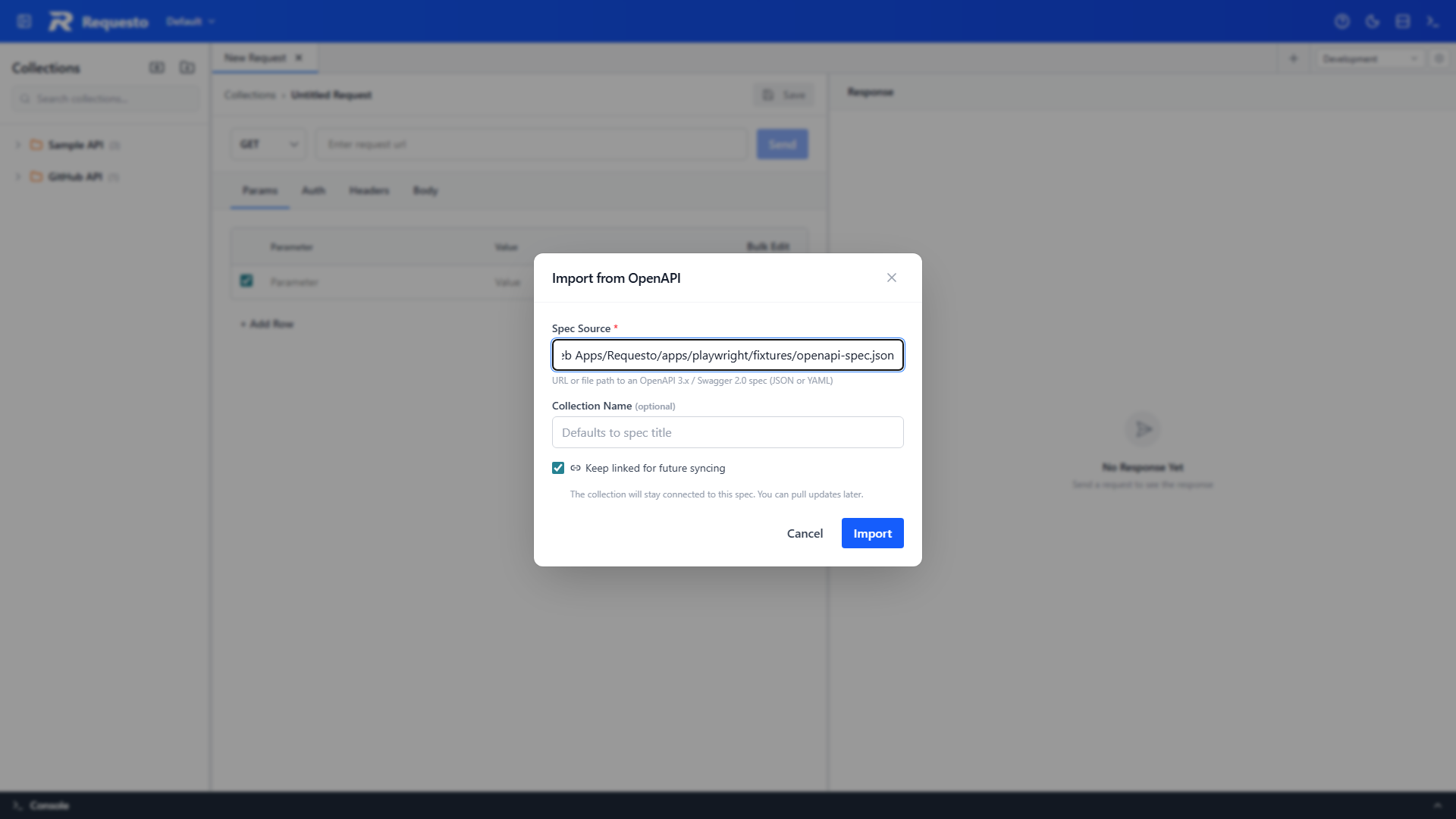
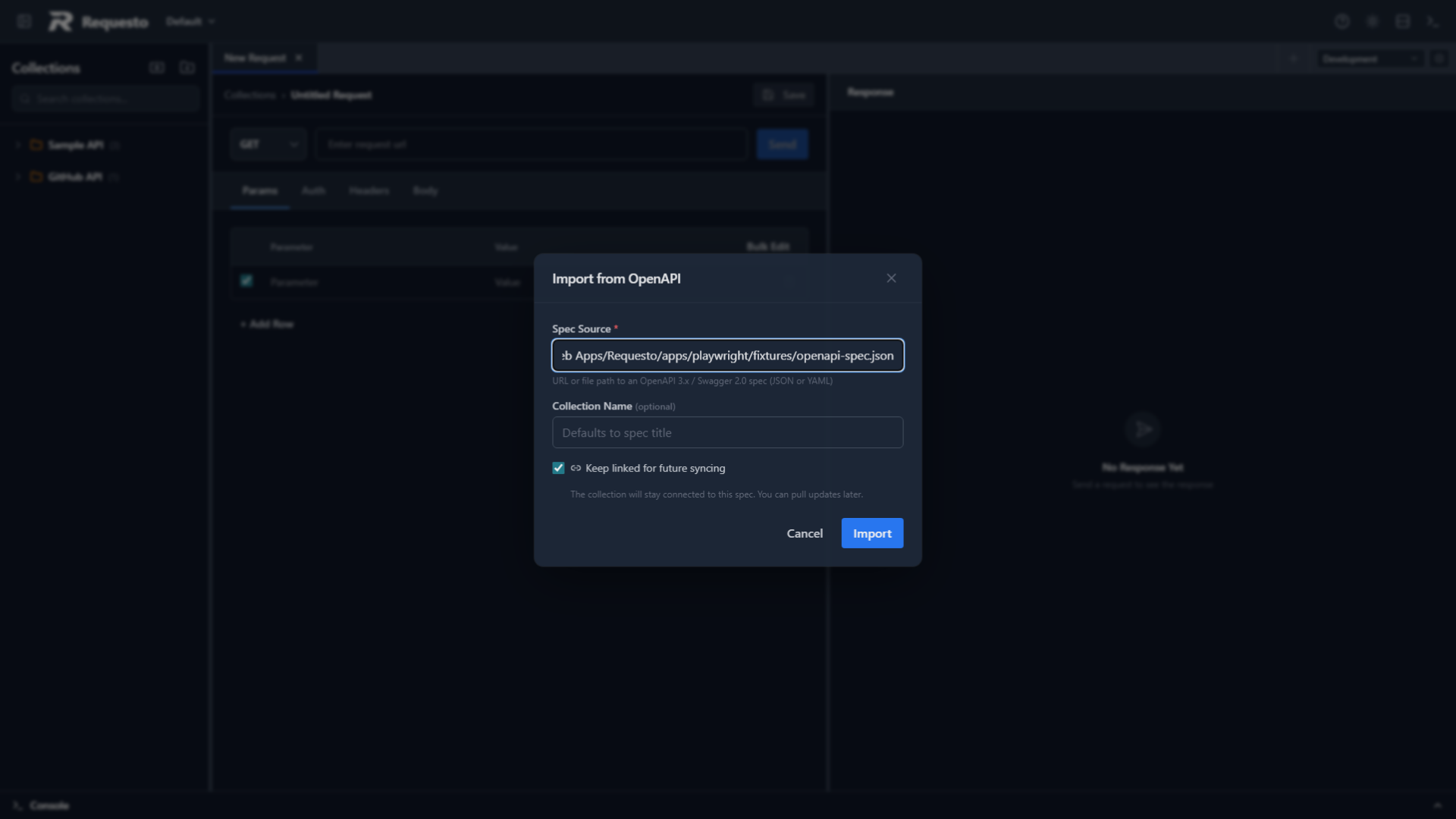
Enter the source - either a file path or a URL pointing to a JSON or YAML spec. Give the collection a name, then click Import.
Requesto parses the spec, resolves all $ref pointers, and generates:
- A collection with folders grouped by tags
- A request for each operation, with the method, URL template, headers, query parameters, example request bodies, and auth stubs (basic/bearer/api-key) from the spec
- An environment named after the collection with the base URL(s) extracted from the spec's
servers(v3) orhost(v2) field - created automatically and activated if no other environment is active
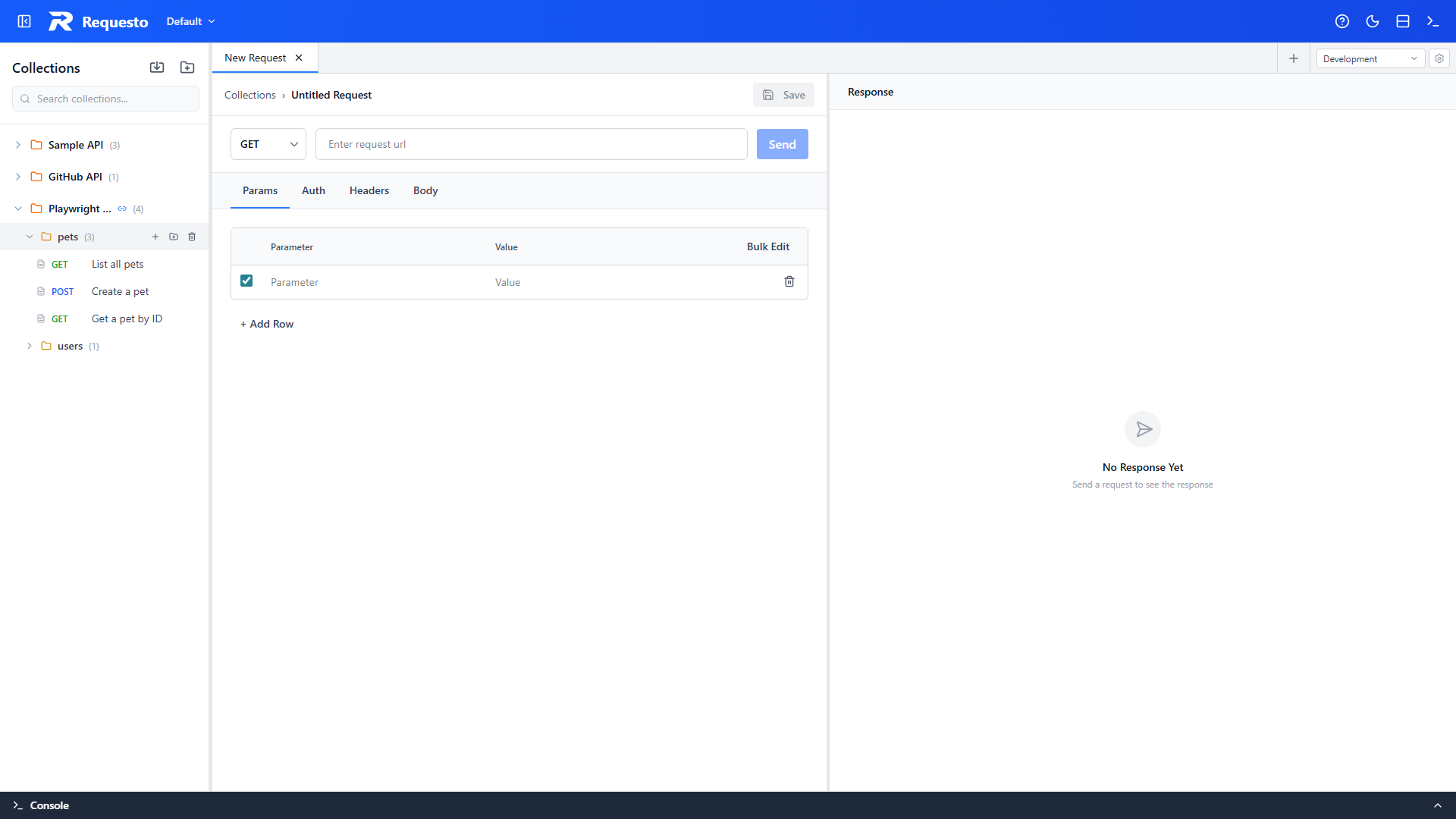
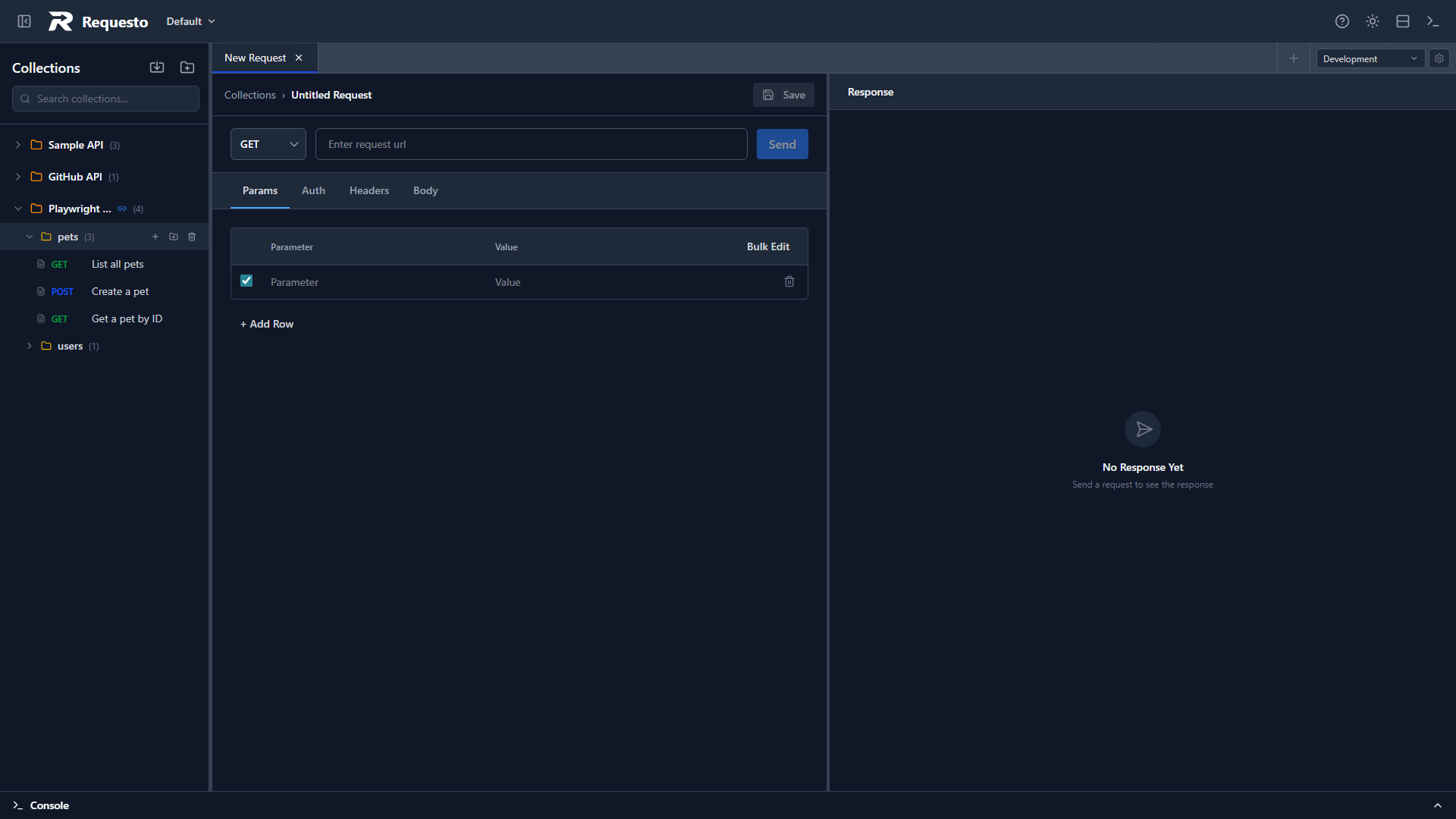
Request URLs use {{baseUrl}} so you can switch between servers by changing the environment variable.
Linking a Spec
When importing, you can choose to link the spec to the collection. A linked spec stores the source URL and a hash of the spec content, which lets Requesto detect when the spec has changed.
If you don't link the spec, the import is a one-time operation and subsequent changes to the spec are not tracked.
Syncing Changes
For linked collections, right-click the collection in the sidebar and choose Sync from Spec. Requesto re-fetches the spec, diffs it against the collection by operationId, and shows a preview of what changed.
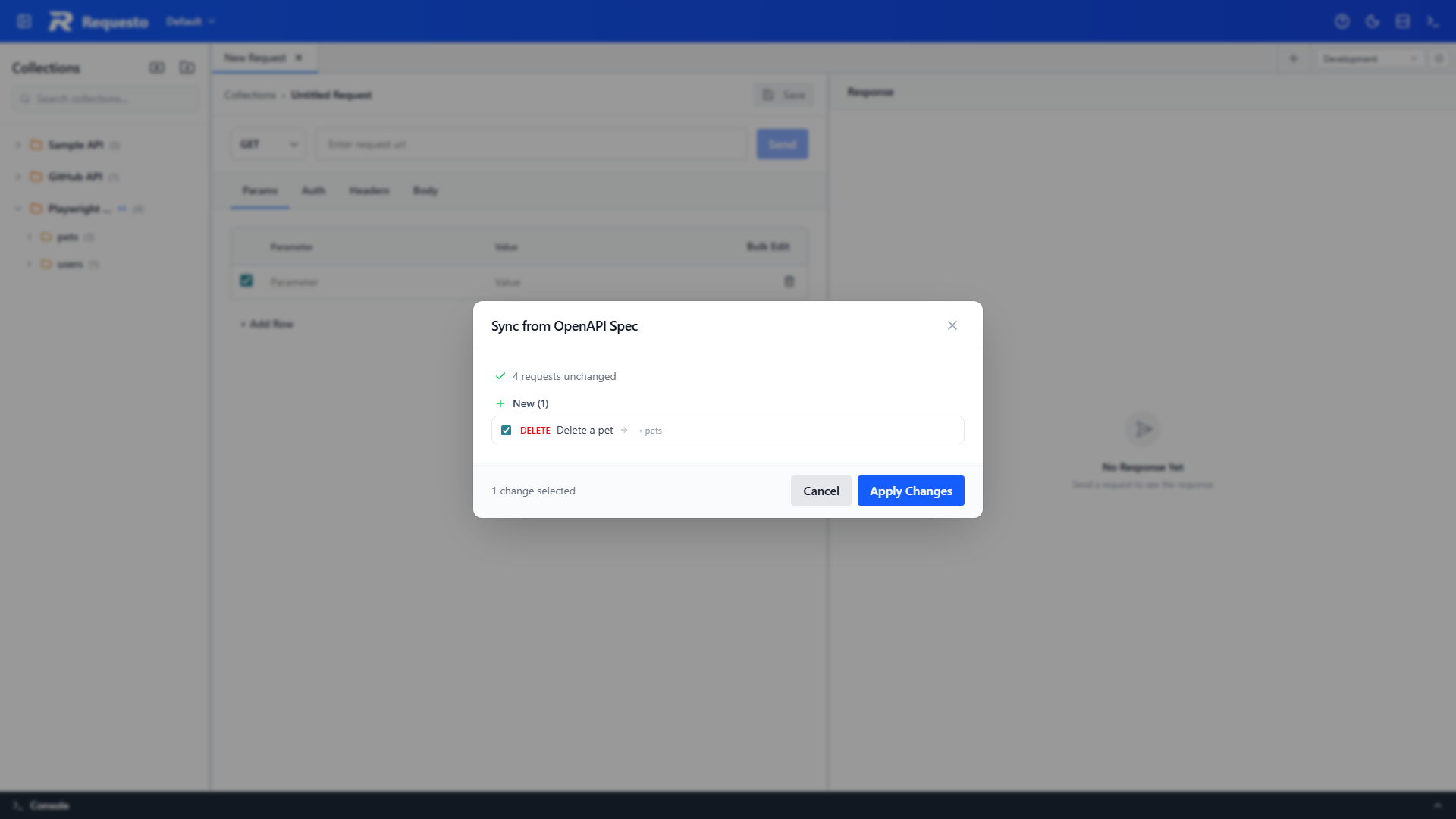
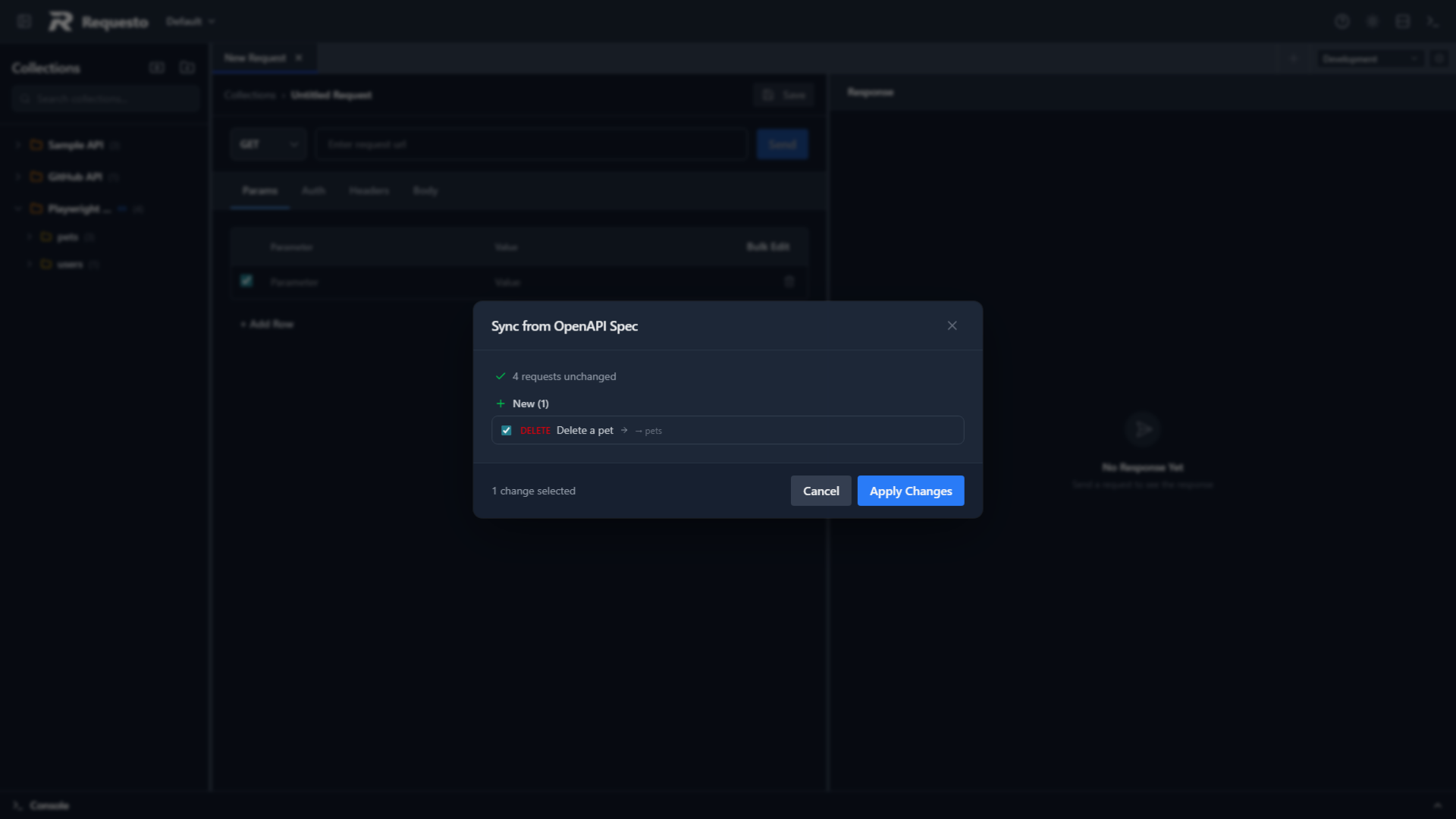
The preview shows:
- New operations that will be added as requests
- Updated operations where the method or URL changed
- Orphaned requests that no longer match any operation in the spec
Your own edits to a request's body, headers, auth, and name are preserved during sync - only the method and URL are compared. Additions and updates are pre-selected in the preview; removals are not.
Review the changes and click Apply Changes to update the collection.
Unlinking a Spec
Right-click a linked collection and choose Unlink Spec to remove the spec metadata. The collection keeps all its requests and folders, but sync is no longer available. The Sync from Spec option disappears from the context menu.
Supported Spec Versions
| Version | Support |
|---|---|
| OpenAPI 3.x | Full |
| Swagger 2.0 | Full (handled by a dedicated Swagger 2.0 converter) |
Both JSON and YAML formats are accepted. Remote $ref pointers are resolved during import.
What Gets Generated
| Spec Element | Requesto Element |
|---|---|
| Tag | Folder |
| Operation | Request |
servers[].url or host | Environment variable (baseUrl) |
| Path parameters | URL placeholders ({{paramName}}) |
operationId | Used for linking during sync |
Operations without tags are placed at the collection root.