

Settings
Application-wide settings that apply to every workspace.
Opening Settings
Click the gear icon in the top-right of the header to open the Settings dialog.
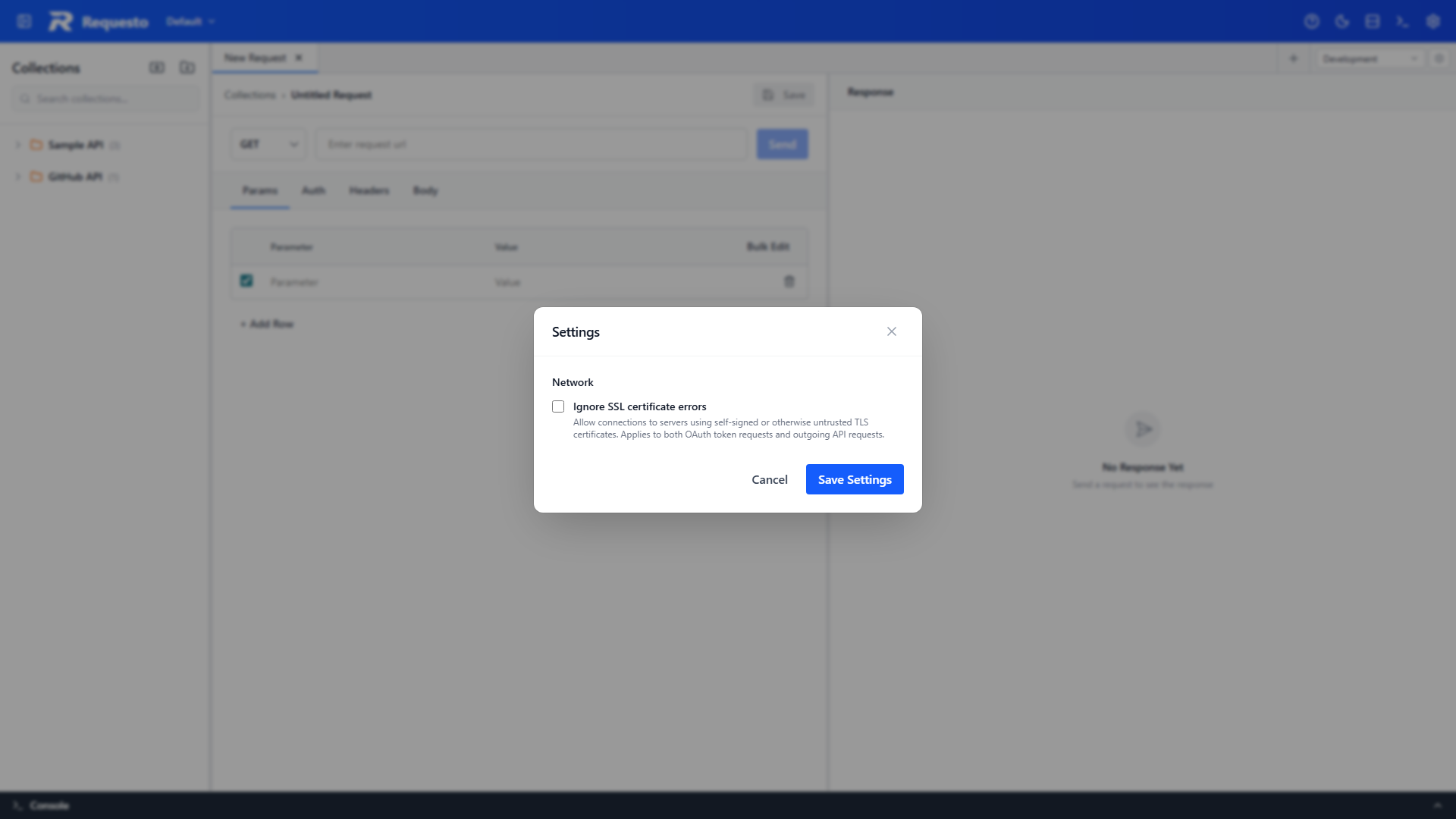
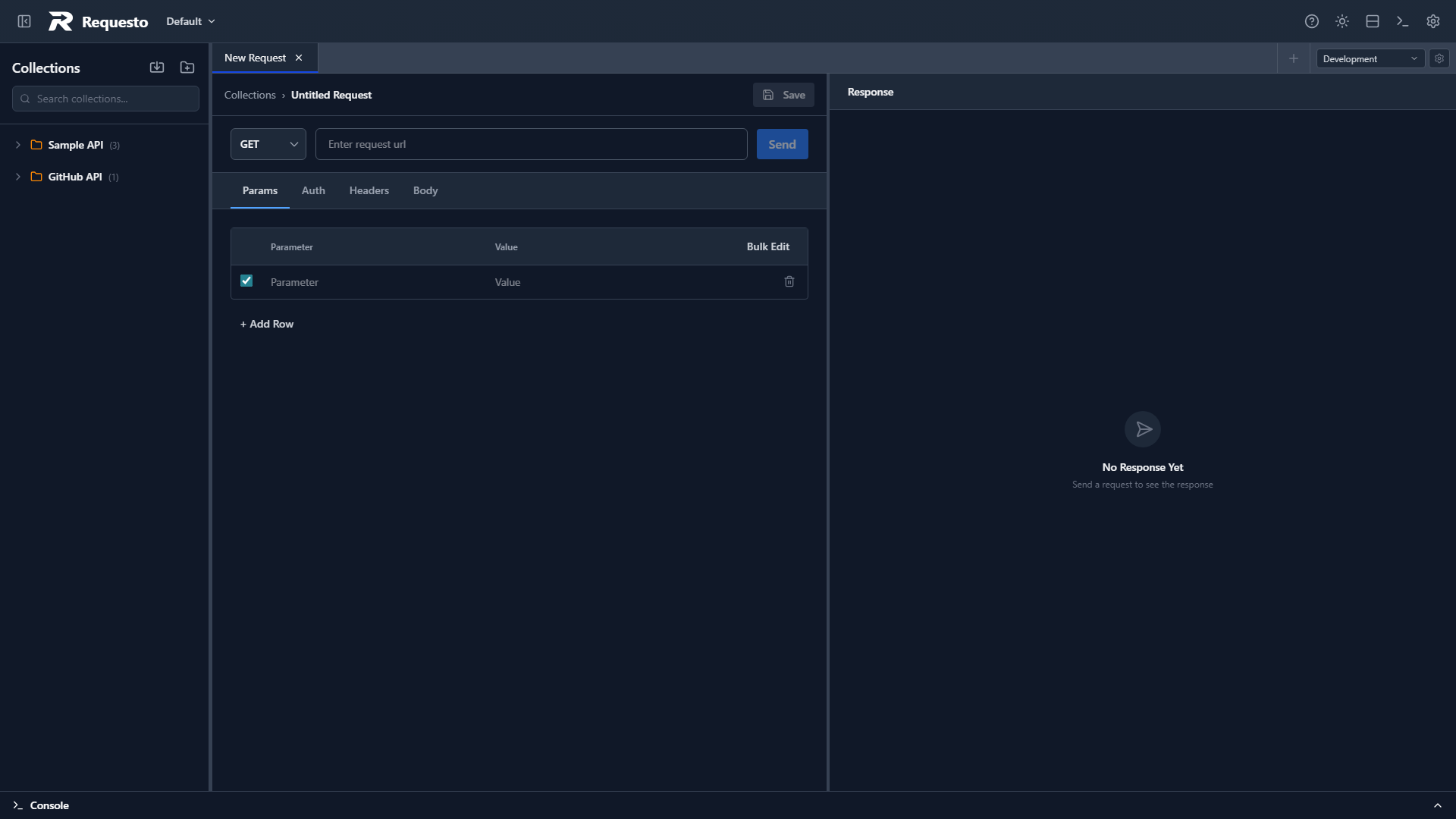
Settings are saved as soon as you click Save Settings and apply immediately to all subsequent requests. They are stored in your browser's local storage, so they apply to every workspace but are per installation/browser rather than per workspace.
Network
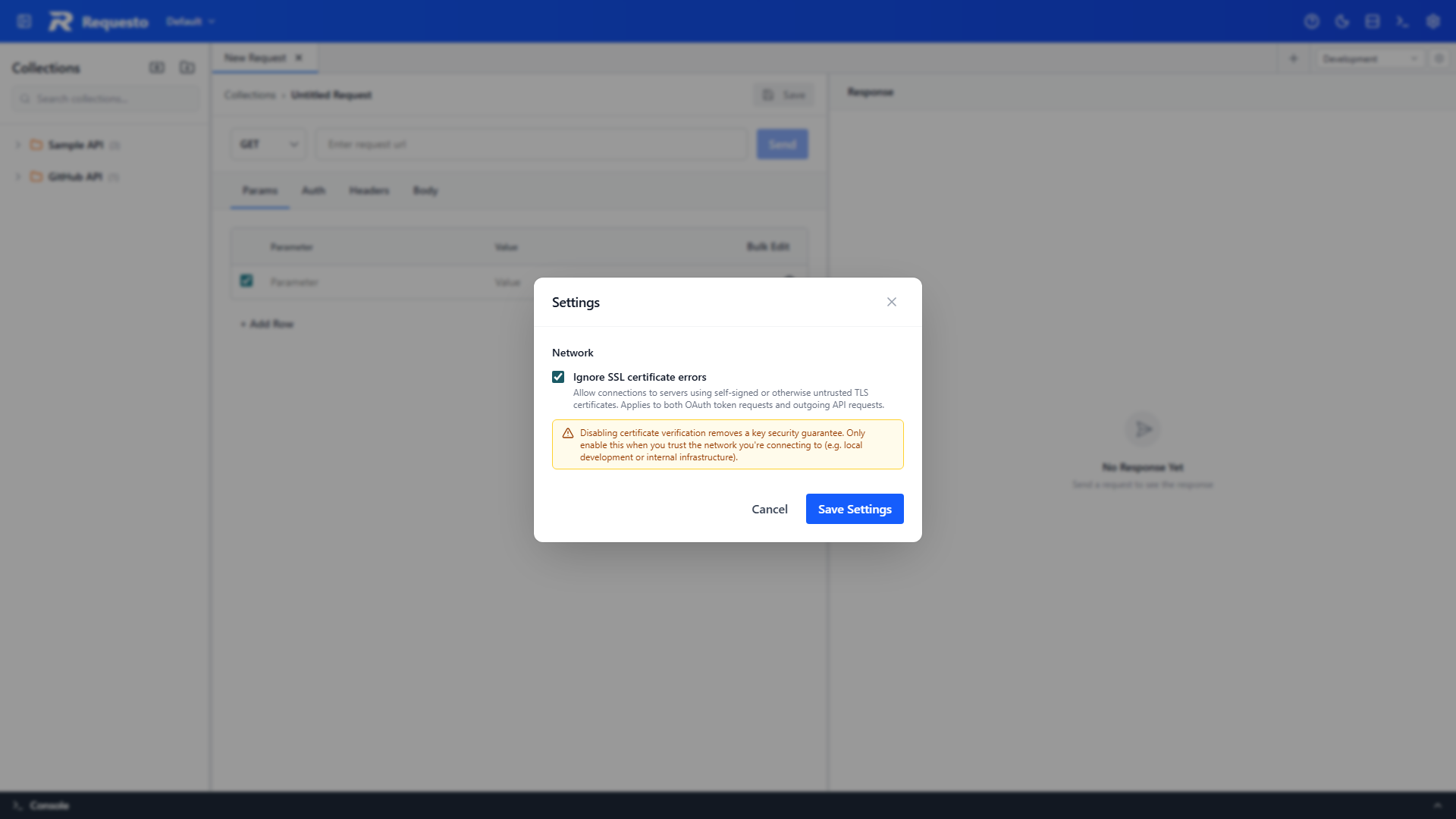
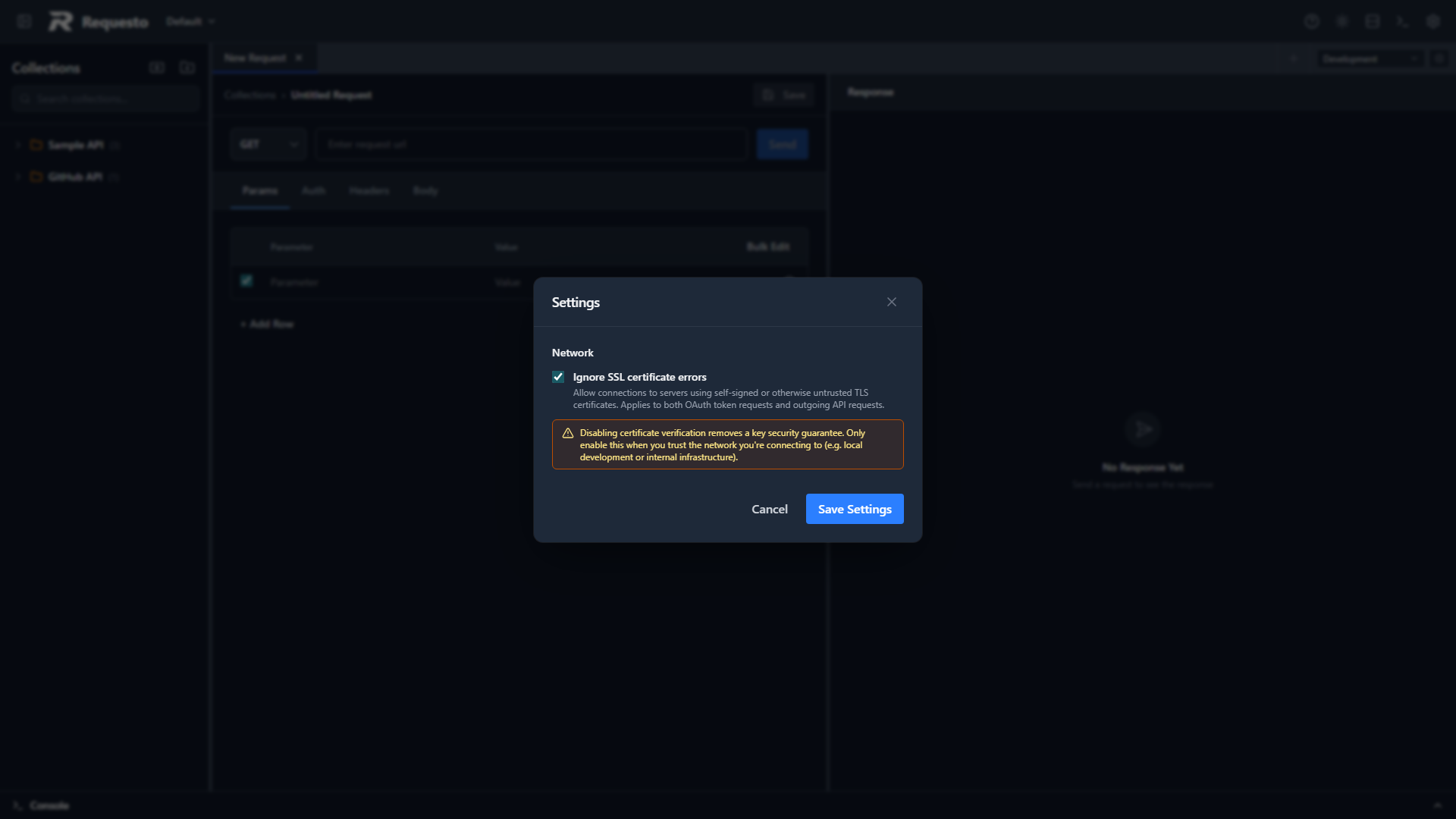
Ignore SSL certificate errors
Allow connections to servers using self-signed or otherwise untrusted TLS certificates.
This applies to all of:
- Outgoing API requests sent from the request panel
- OAuth token requests made during the OAuth flow
- GraphQL introspection requests made when fetching a schema
Security
Disabling certificate verification removes a key security guarantee — a man-in-the-middle could intercept your traffic without you noticing. Only enable this when you trust the network you're connecting to (local development, internal infrastructure, or an isolated test environment).
Common reasons to enable this:
- Hitting a local dev server with a self-signed certificate
- Talking to an internal service whose CA isn't in your trust store
- Testing an OAuth provider that uses a self-signed cert
For a broader picture of how Requesto handles your data and credentials, see the Security page.