

Creating & Managing Endpoints
An endpoint is a path on the mock server and the response, or set of responses, it gives back.
Creating an Endpoint
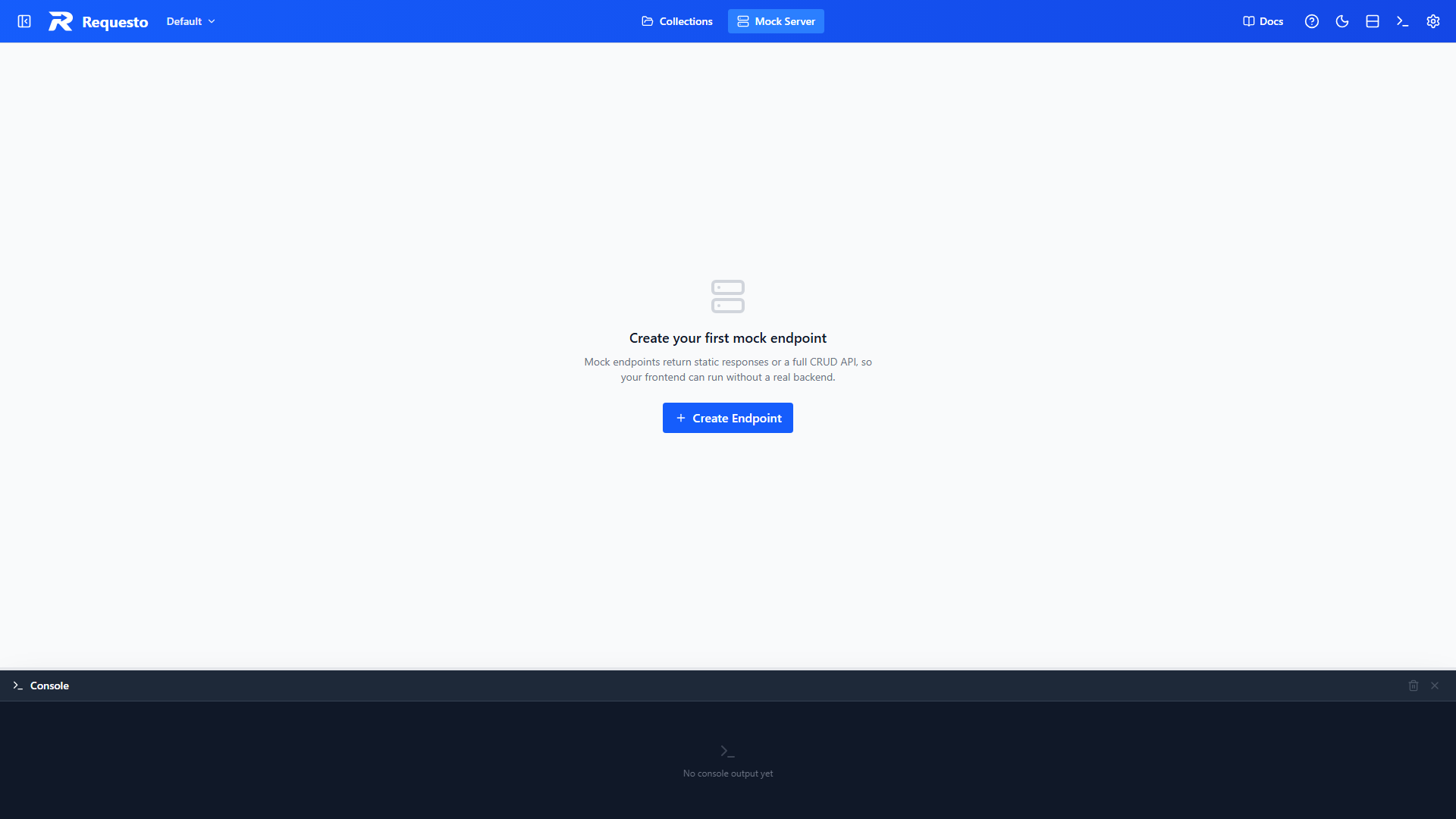
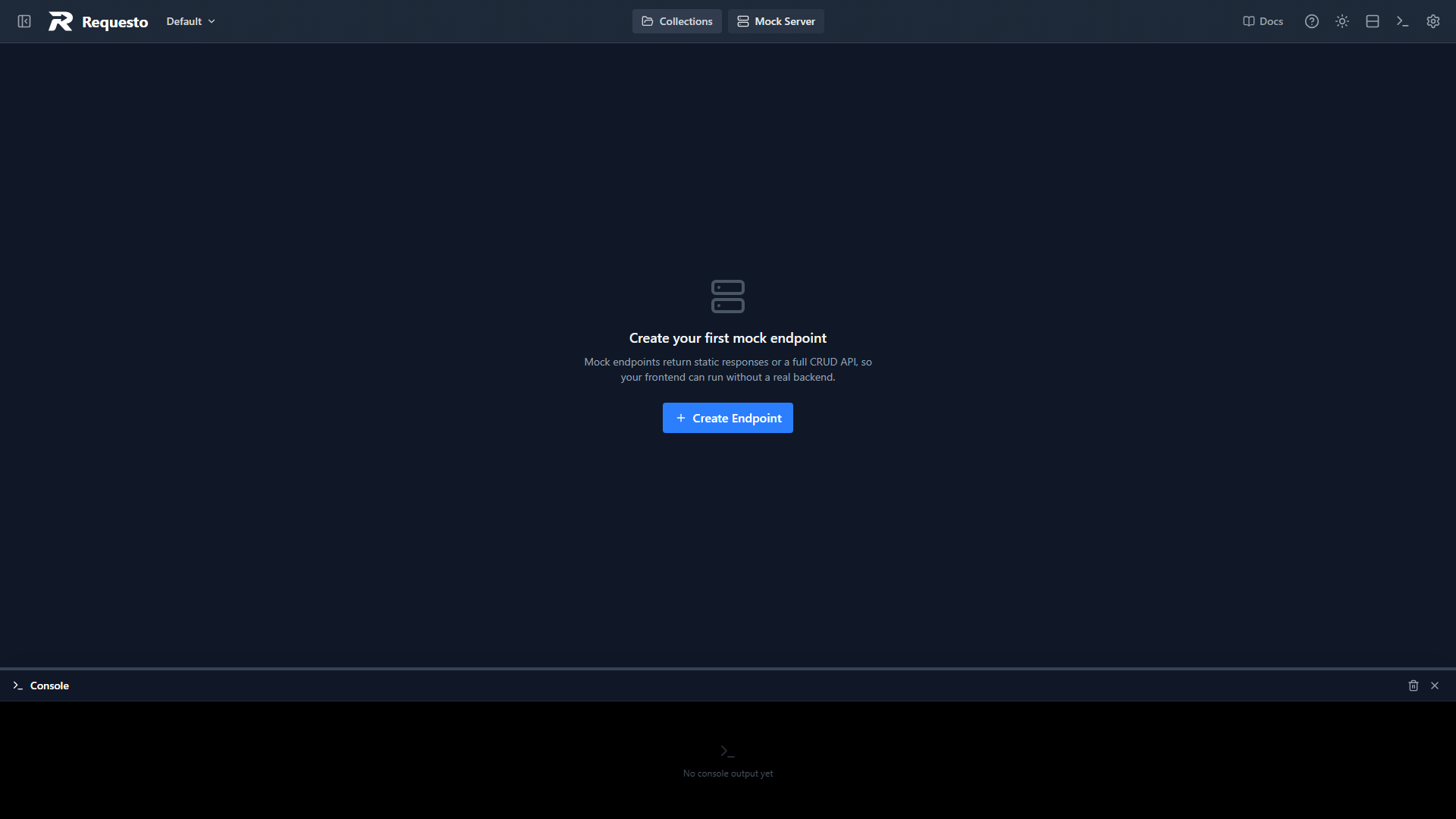
When there are no endpoints yet, the Mock Server view shows a Create Endpoint button. Once you have some, click the + button in the sidebar header.
The New Mock Endpoint dialog asks for three things:
- Mode: Static or Dynamic
- Name: a label for the sidebar, such as
Users API - Path: the URL path to serve, such as
/api/users
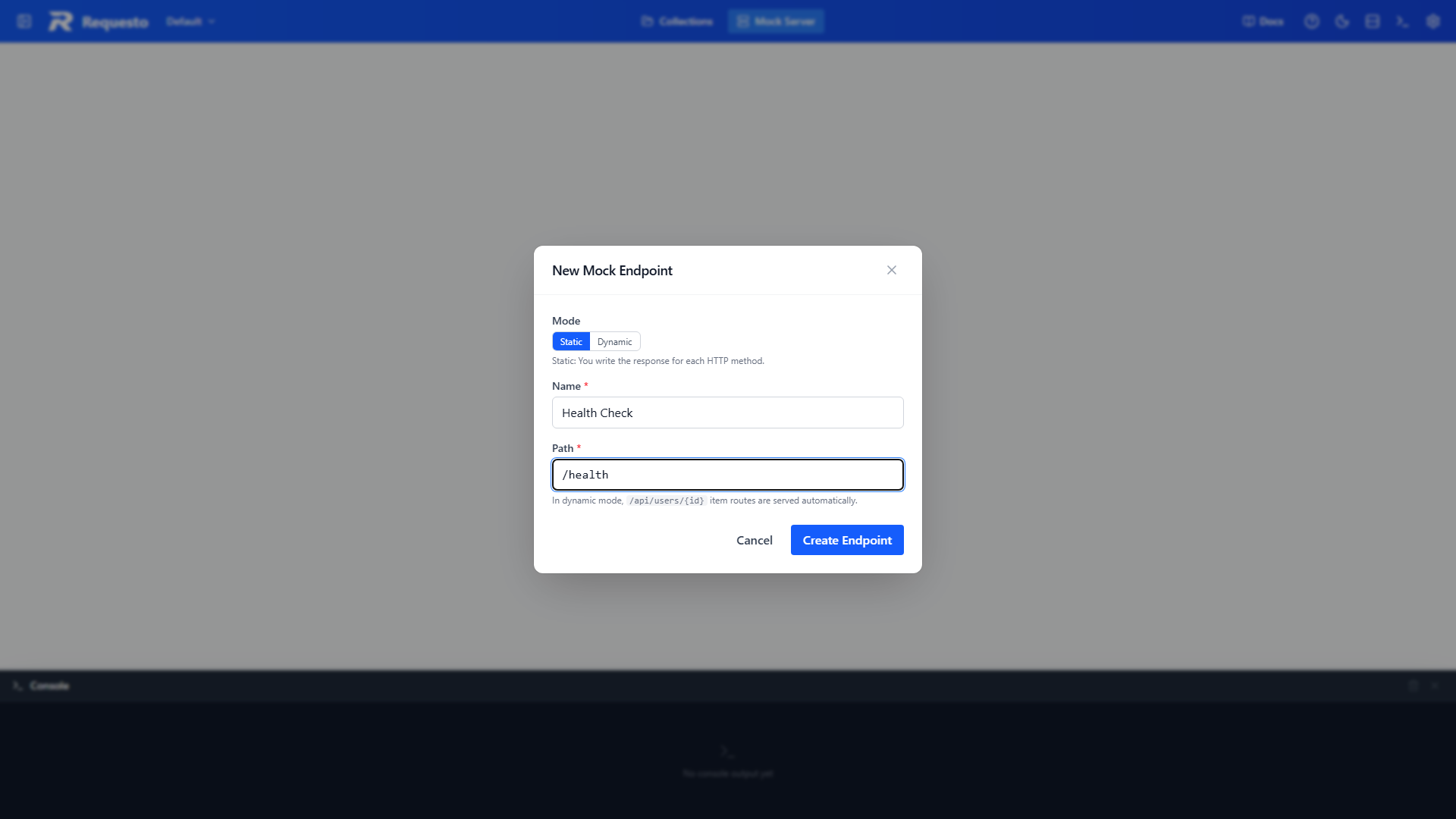
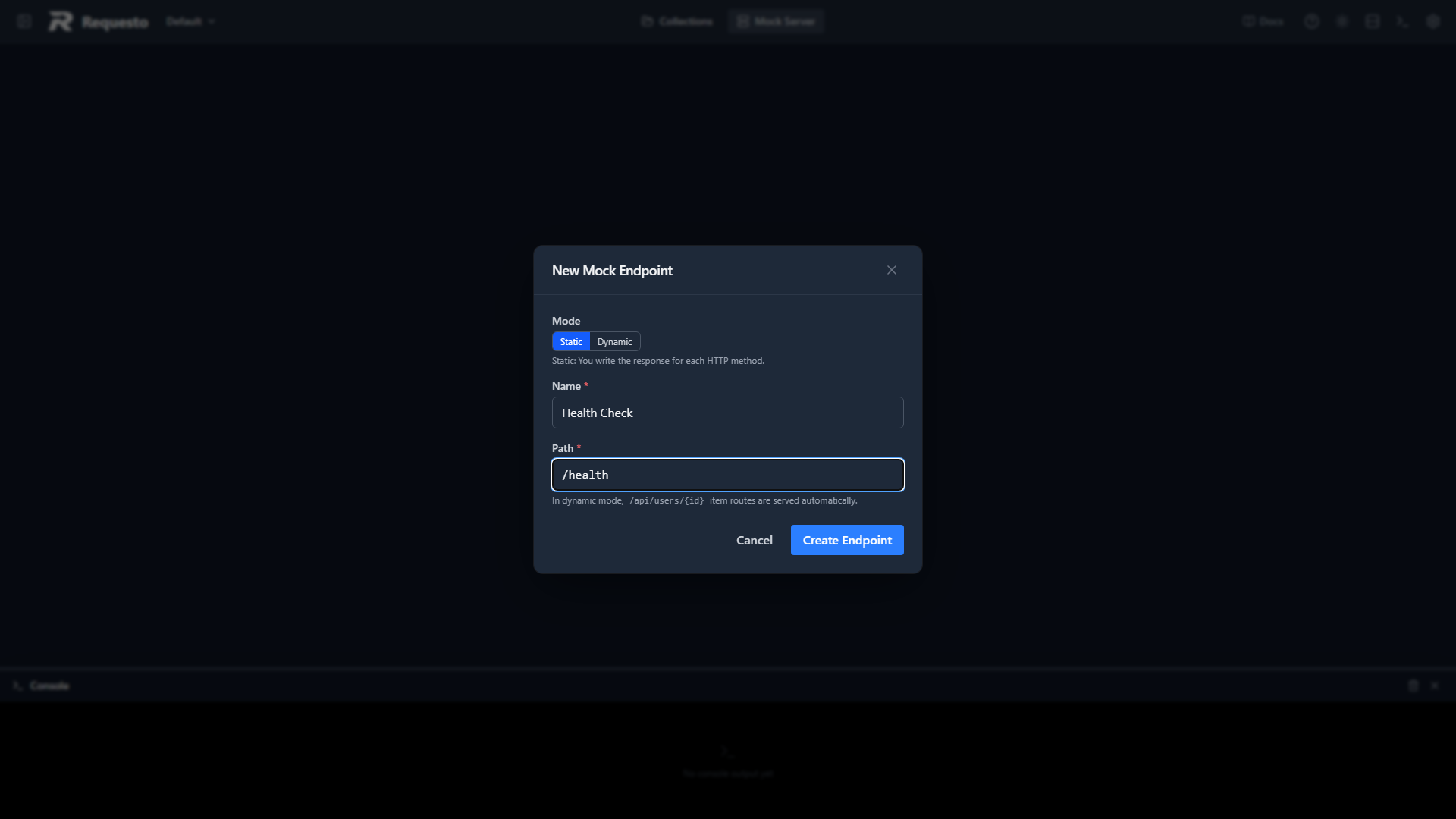
Choose Dynamic if you want a full CRUD API instead of hand-written responses. The dialog explains each mode as you switch.
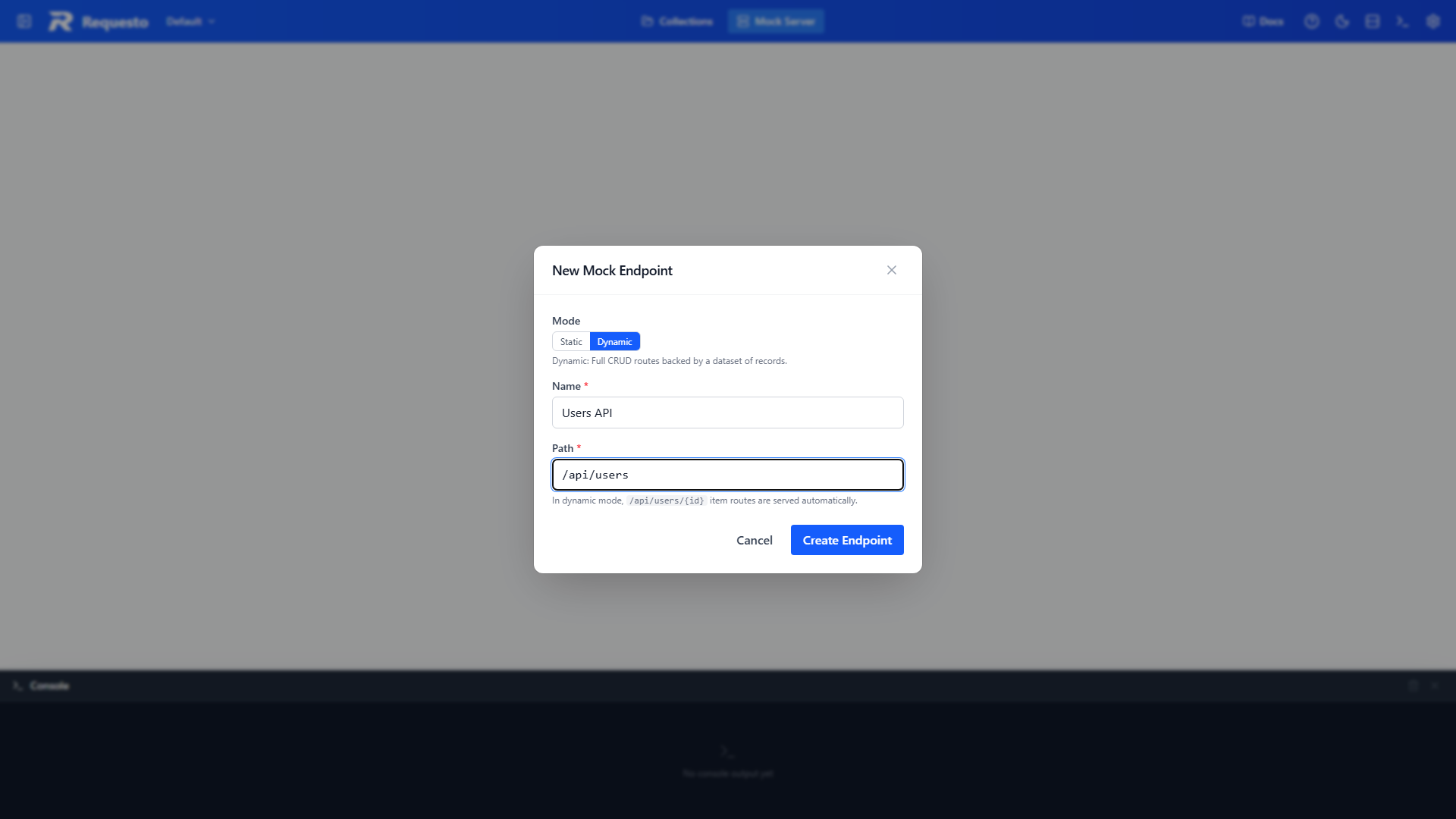
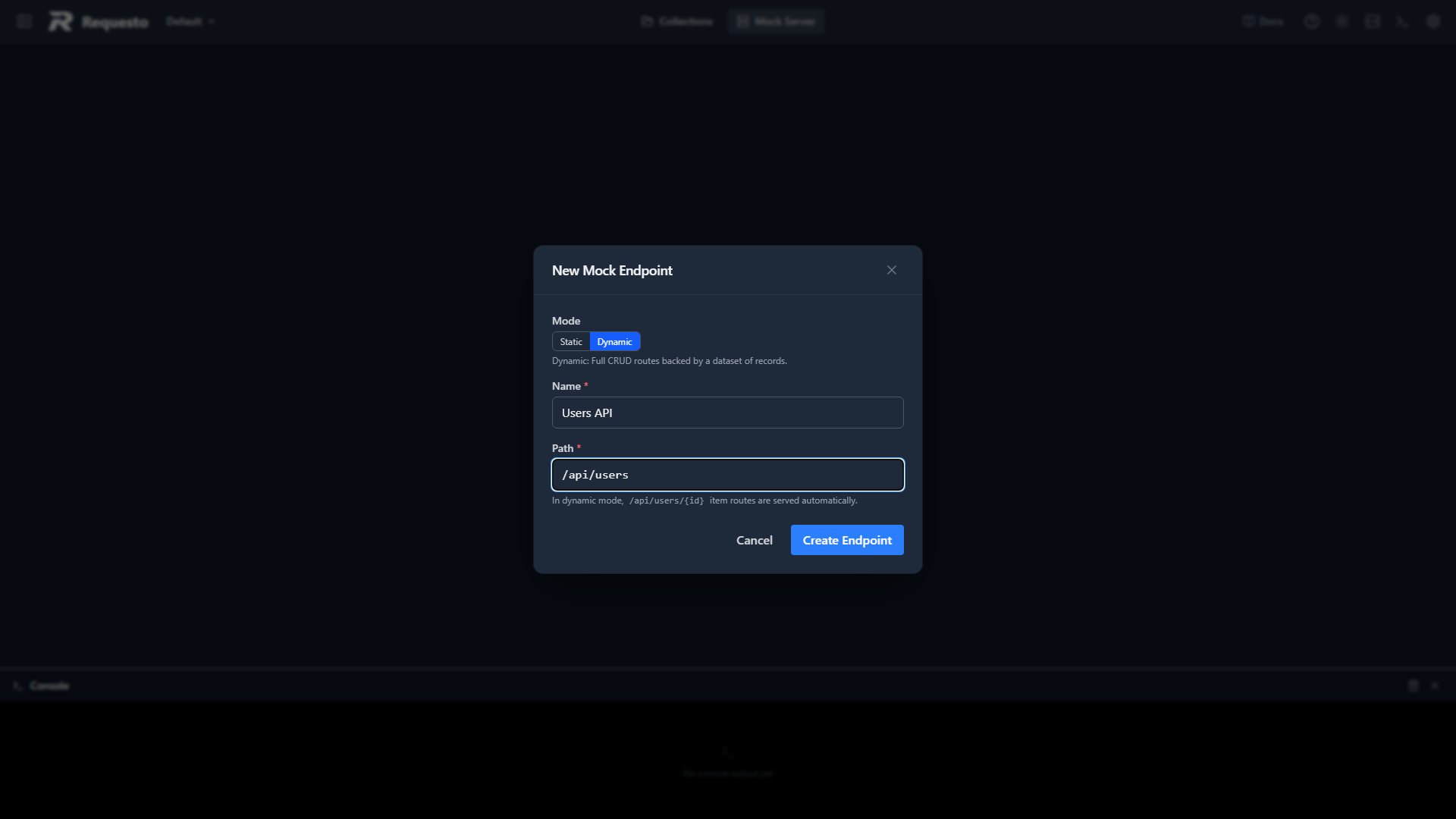
Paths must start with / and cannot include a query string. A segment starting with a colon, like :id, matches any value in that position. For example /api/users/:id matches /api/users/1 and /api/users/abc.
After you create the endpoint it opens in the editor and is served straight away.
Editing an Endpoint
You can change an endpoint's name, path, mode, and responses at any time. Changes are held as a draft until you save:
- An Unsaved changes indicator appears at the top of the editor.
- Save (or Ctrl+S / Cmd+S) applies the changes.
- Revert throws them away and goes back to the last saved version.
Dynamic data has its own Save button in the data pane, because records and endpoint settings are saved separately. See Dynamic Endpoints.
Managing Endpoints
The sidebar lists every endpoint with a Static or Dynamic badge, its name, and its path. Use the search box to filter by name or path.
Right-click an endpoint for more options:
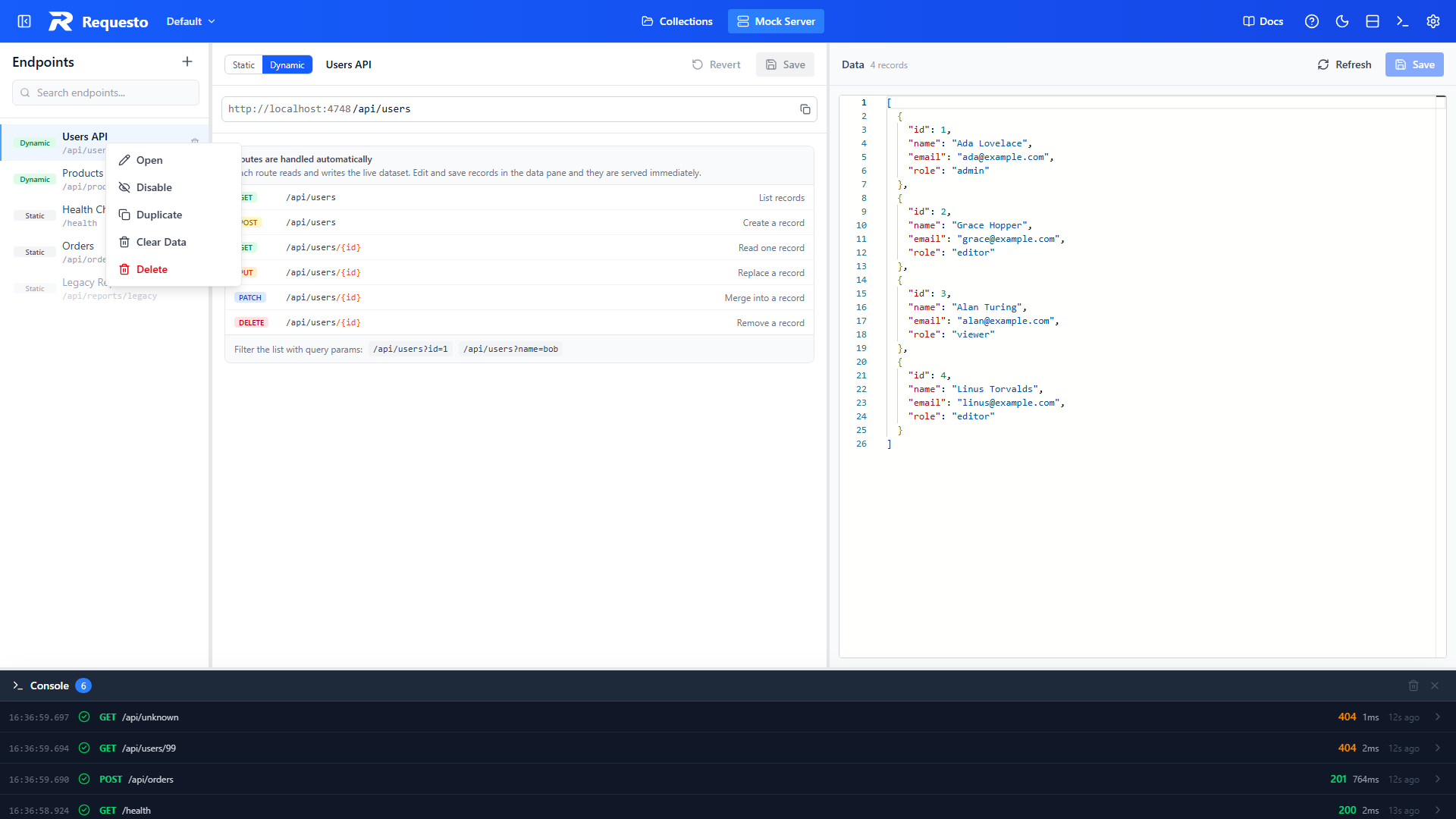
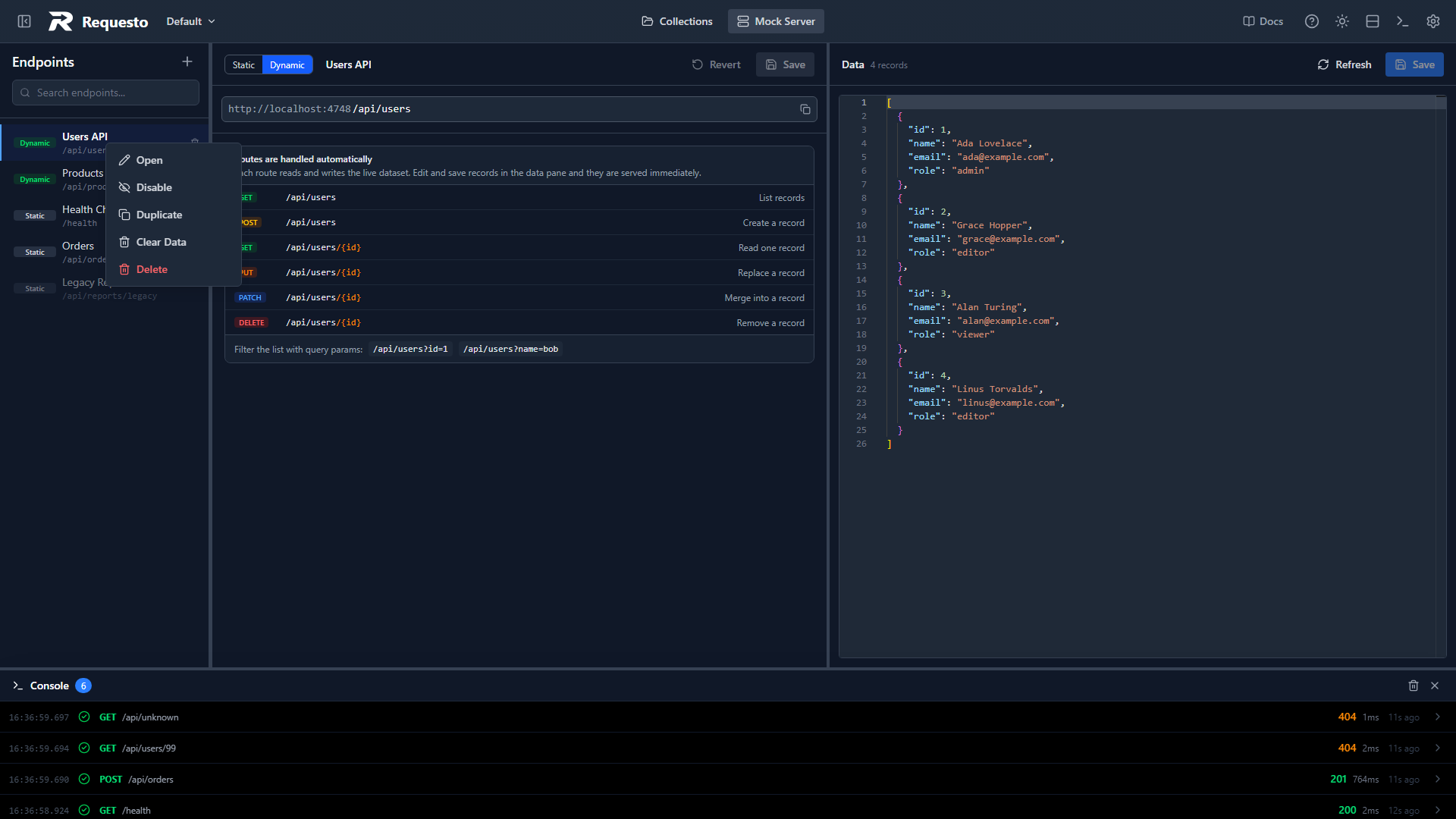
- Open: show the endpoint in the editor
- Disable / Enable: a disabled endpoint is greyed out in the sidebar and returns
404until you enable it again. Handy for testing how your app copes when a service goes missing - Duplicate: create a copy named
<name> Copy - Clear Data: remove all records from a dynamic endpoint (dynamic only)
- Delete: remove the endpoint. Hovering an endpoint also reveals a trash icon that does the same
Storage and Git
Mock data lives inside the active workspace, in two places:
.requesto/
├── mock-endpoints/        # One JSON file per endpoint (tracked by git)
└── local/
    └── mock-data/         # Dynamic datasets (excluded from git)
Endpoint definitions are tracked by git, so your team can share the same mock setup through a git-enabled workspace. Datasets are local only. Records created by test traffic never end up in a commit.