

Static Endpoints
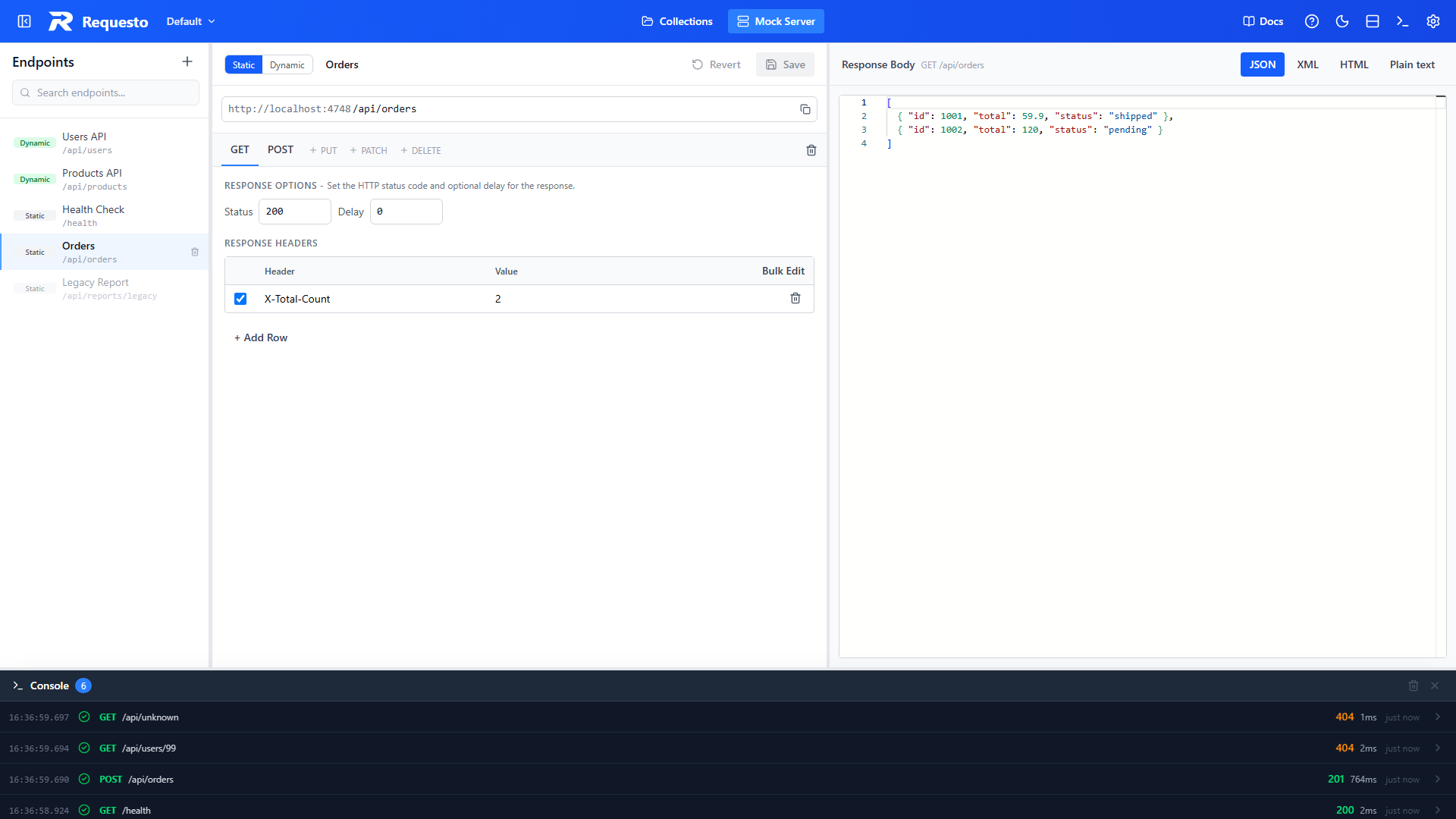
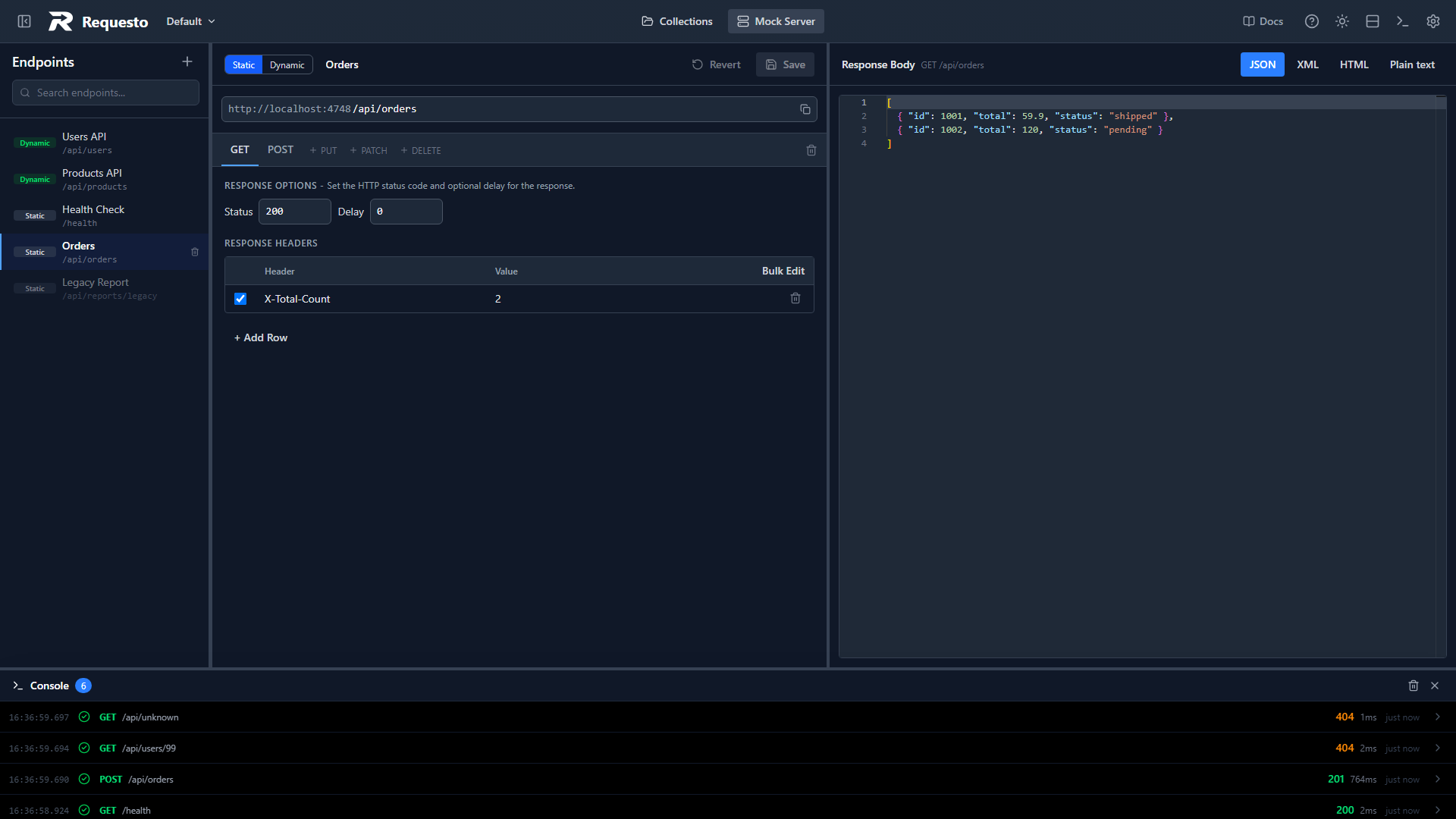
A static endpoint returns exactly what you write. It is the right choice for fixed responses, error cases, slow responses, and non-JSON bodies. The editor is split in two: response settings on the left, the response body on the right.
Methods
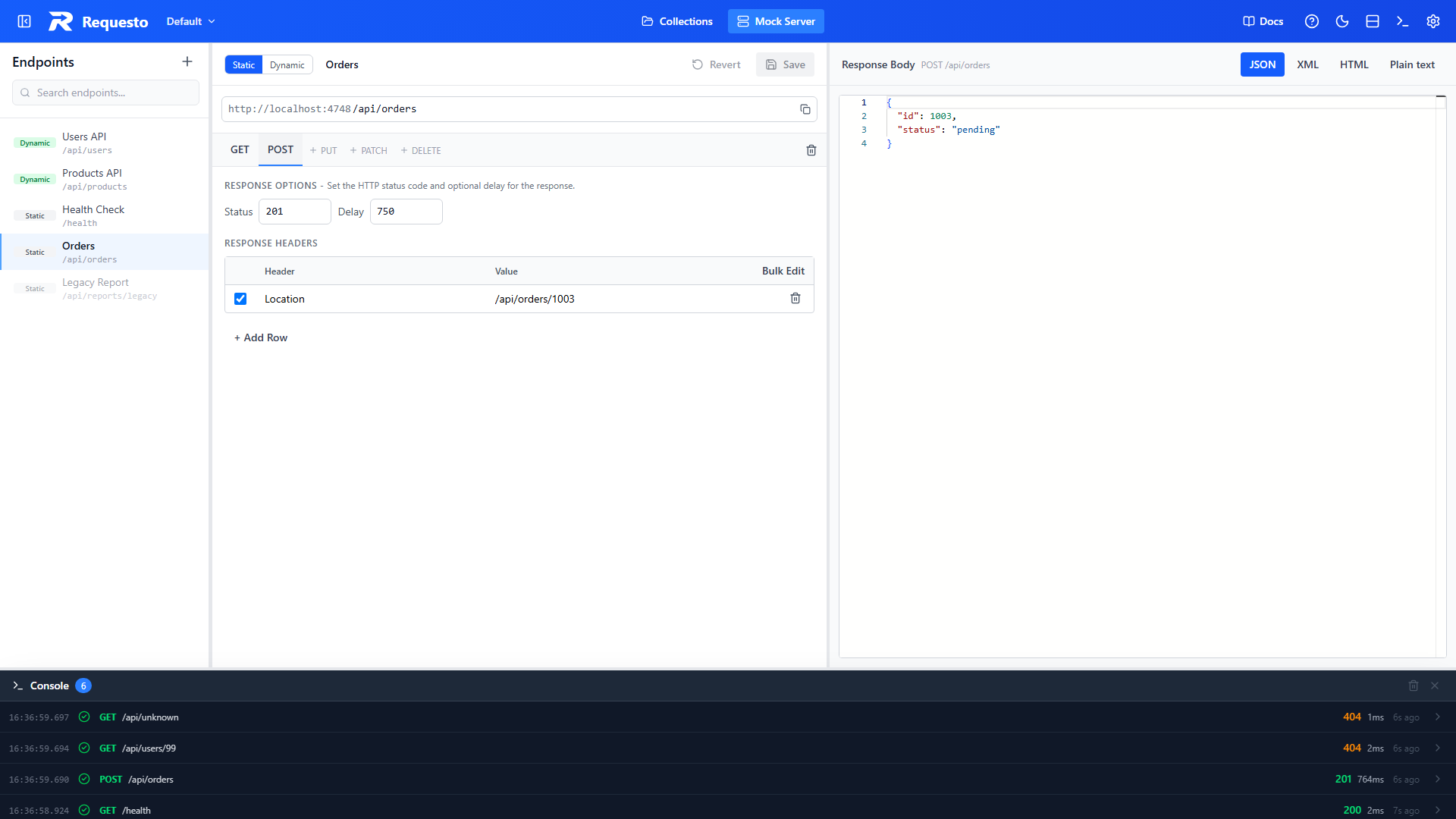
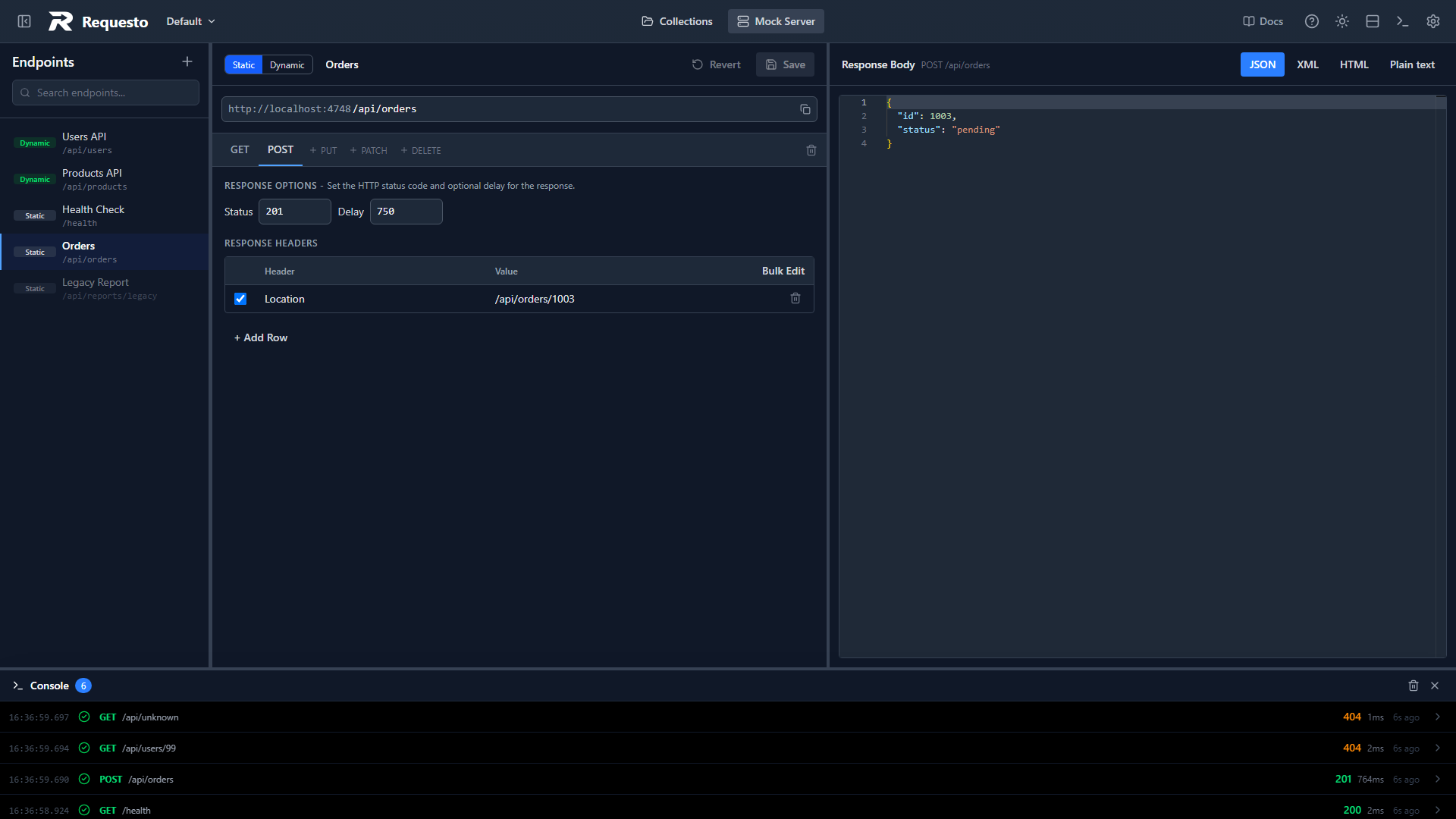
Each method has its own tab. New endpoints start with a GET response. To answer another method, click the faded + POST, + PUT, + PATCH, or + DELETE link at the end of the tabs. To remove a method, select its tab and click the trash icon. An endpoint needs at least one method.
If a request arrives with a method you have not configured, the mock server replies with 405 Method Not Allowed and an Allow header listing the methods that are.
Response Options
- Status: any HTTP status code from 100 to 599
- Delay: how long to wait before responding, in milliseconds (up to 60000). Useful for testing loading states and timeouts
Response Headers
Add any headers you want to return, such as Location, Cache-Control, or a custom X-Total-Count. Untick a row to skip it without deleting it.
You do not need to add a Content-Type header. It is set for you from the body format you pick.
Response Body
Write the body in the editor on the right and choose its format with the JSON, XML, HTML, or Plain text buttons. The format sets both the syntax highlighting and the Content-Type that is returned.
Path Parameters
A path segment starting with a colon matches any value. A static endpoint at /api/users/:id returns the same response for /api/users/1 and /api/users/abc. If you need responses that change based on the id, use a dynamic endpoint instead.